Touchscreen Climate Controls: Pros, Cons, and Common Problems
Touchscreen climate controls are rapidly becoming the standard interface for heating, ventilation, and air conditioning (HVAC) systems in modern vehicles. These integrated systems, often combined with infotainment displays, offer a sleek and customizable way to manage cabin comfort and vehicle settings. But while they bring undeniable benefits in terms of aesthetics, flexibility, and feature integration, they also introduce new challenges—especially when it comes to reliability, safety, and troubleshooting. In this guide, we’ll break down the real-world pros and cons of touchscreen climate controls, highlight the most common problems, and provide practical troubleshooting and maintenance tips to keep your system running smoothly.
If you’re looking for a foundational overview on how climate control units fit into the broader context of your vehicle’s electronics, start with our Heater/AC Control Units: The Nerve Center of Climate and Infotainment Systems category page.
The Immediate Appeal: Why Touchscreen Climate Controls Are So Popular
Touchscreen controls have revolutionized the automotive cabin experience, offering a centralized hub for managing everything from cabin temperature to entertainment and navigation. Here’s why automakers and drivers alike are drawn to this technology:
- Aesthetics and Modern Design: Touchscreens eliminate physical buttons and knobs, giving dashboards a clean, futuristic look. This minimalism appeals to consumers seeking a high-tech, luxury feel.
- Customization: Software-driven interfaces allow manufacturers to add or remove features via updates, and users can often personalize display layouts.
- Integration: Climate, audio, navigation, and vehicle settings can be accessed from a single interface, reducing dashboard clutter and creating a seamless user experience.
Many new vehicles—from budget-friendly compacts to luxury SUVs—now feature integrated climate and infotainment touchscreens as standard or optional equipment.
The Hidden Problem: When Touchscreens Become a Liability
Despite their appeal, touchscreen climate controls introduce a set of problems that traditional button-based controls rarely faced. The most significant issues are:
- Responsiveness and Reliability: Unlike mechanical switches, touchscreens rely on complex electronics and software. If the screen freezes, lags, or fails, climate control can become inaccessible.
- Safety Concerns: Adjusting climate settings via a touchscreen can require multiple taps and visual attention, increasing driver distraction compared to tactile buttons.
- Repair Complexity: Diagnosing and repairing touchscreen systems often involves both hardware and software troubleshooting, making fixes more expensive and time-consuming.
These challenges mean that while touchscreens offer convenience, they can also become a single point of failure for critical comfort and safety systems.
Expanding the Problem: What Can Go Wrong With Touchscreen Climate Controls?
Touchscreen climate controls are subject to a range of common issues that impact their usability and reliability. These include:
1. Unresponsive or Frozen Screens
A screen that fails to register touch inputs or becomes stuck on a particular menu can leave drivers unable to adjust temperature, fan speed, or airflow. This is often caused by:
- Software glitches
- Overheating of the display unit
- Electrical issues or poor connections
2. Delayed or Laggy Response
Slow response times can be frustrating—and dangerous if quick adjustments are needed. Lag is usually linked to:
- Low system resources (CPU/memory)
- Background software updates
- Malfunctioning control modules
3. Complete System Failure
In some cases, the entire infotainment or climate control screen may go blank or refuse to boot, often due to:
- Blown fuses
- Failed HVAC control modules
- Defective display hardware
4. Loss of Specific Functions
Some failures only affect climate-related features, such as:
- Inoperative defrost or AC controls
- Loss of heated seat or steering wheel settings
- Inability to change airflow direction
5. Safety and Accessibility Issues
For drivers with limited dexterity or vision, touchscreen-only systems can be challenging or even unsafe, particularly if climate controls are buried in submenus or require precise touch gestures.
The Technical Side: How Touchscreen Climate Controls Work
Understanding the underlying technology helps clarify why these systems can fail—and how to approach repairs.
Hardware Architecture
Most touchscreen climate systems are built around a central infotainment module, which includes:
- Capacitive or resistive touchscreen panel
- Embedded processor and memory
- HVAC control module (sometimes integrated, sometimes separate)
- Communication buses (CAN, LIN, or proprietary connections)
Software Integration
Climate control interfaces are typically software-driven, running on an operating system (often Linux- or QNX-based), which manages:
- User interface rendering
- Input recognition (touch, gesture, voice)
- Communication with HVAC actuators and sensors
- Firmware updates and diagnostics
Networked Control
The HVAC system itself relies on sensors (temperature, humidity, sunlight), actuators (blend doors, fans), and output devices (displays, haptic feedback) all coordinated over a vehicle network. A failure in any link—hardware or software—can disrupt the entire system.
Pros of Touchscreen Climate Controls
Despite potential issues, touchscreen climate controls offer several real advantages:
1. Space and Weight Savings
By consolidating multiple functions into one interface, automakers can reduce the number of physical components, which can lead to minor weight reduction and improved fuel efficiency (DOE: Fuel Efficiency). This is especially relevant as manufacturers pursue aggressive efficiency targets.
2. Future-Proofing
Software-based controls can be updated to add new features or improve performance without hardware changes, extending the useful life of the system.
3. Enhanced Customization
Touchscreens allow for customizable layouts, user profiles, and the integration of advanced features (e.g., multi-zone climate, air quality monitoring, voice control).
4. Integration With Advanced Driver Assistance Systems (ADAS)
Climate controls can be linked to remote start, seat occupancy sensors, and automatic pre-conditioning, contributing to both comfort and safety.
Cons of Touchscreen Climate Controls
Balanced against their benefits, touchscreen climate controls have several notable drawbacks:
1. Increased Driver Distraction
Research shows that using touchscreen controls requires more visual and cognitive attention than tactile buttons, raising safety concerns (NHTSA: Vehicle Safety and Equipment).
2. Reliability Concerns
Software bugs, hardware failures, and even simple user error can render climate systems inoperable—sometimes at critical moments.
3. Higher Repair Costs
Touchscreen modules are expensive to replace, and troubleshooting often requires specialized diagnostic tools and expertise.
4. Limited Accessibility
Touchscreens are not as intuitive for all users, particularly those with disabilities, gloves, or in situations where tactile feedback is essential.
Diagnosing Common Touchscreen Climate Control Problems
If your vehicle’s touchscreen climate controls aren’t working as expected, use the following diagnostic checklist to pinpoint the issue:
Touchscreen Climate Control Diagnostic Checklist
-
Basic Power Check
- Is the screen displaying anything at all?
- Does the vehicle’s main infotainment system work?
-
System Reset
- Have you tried rebooting the system (consult your owner’s manual for reset instructions)?
- Has the system recovered after a power cycle?
-
Check for Updates
- Are there pending software or firmware updates?
- Has the system recently updated and started malfunctioning?
-
Physical Inspection
- Are there visible cracks or water damage on the screen?
- Are any dashboard warning lights illuminated?
-
Functionality Test
- Which features are unresponsive (temperature, fan, seat heaters)?
- Can other vehicle functions (radio, navigation) be controlled via the screen?
-
Electrical Check
- Are relevant fuses intact?
- Is there evidence of poor connections or corrosion behind the dashboard?
-
Consult Diagnostics
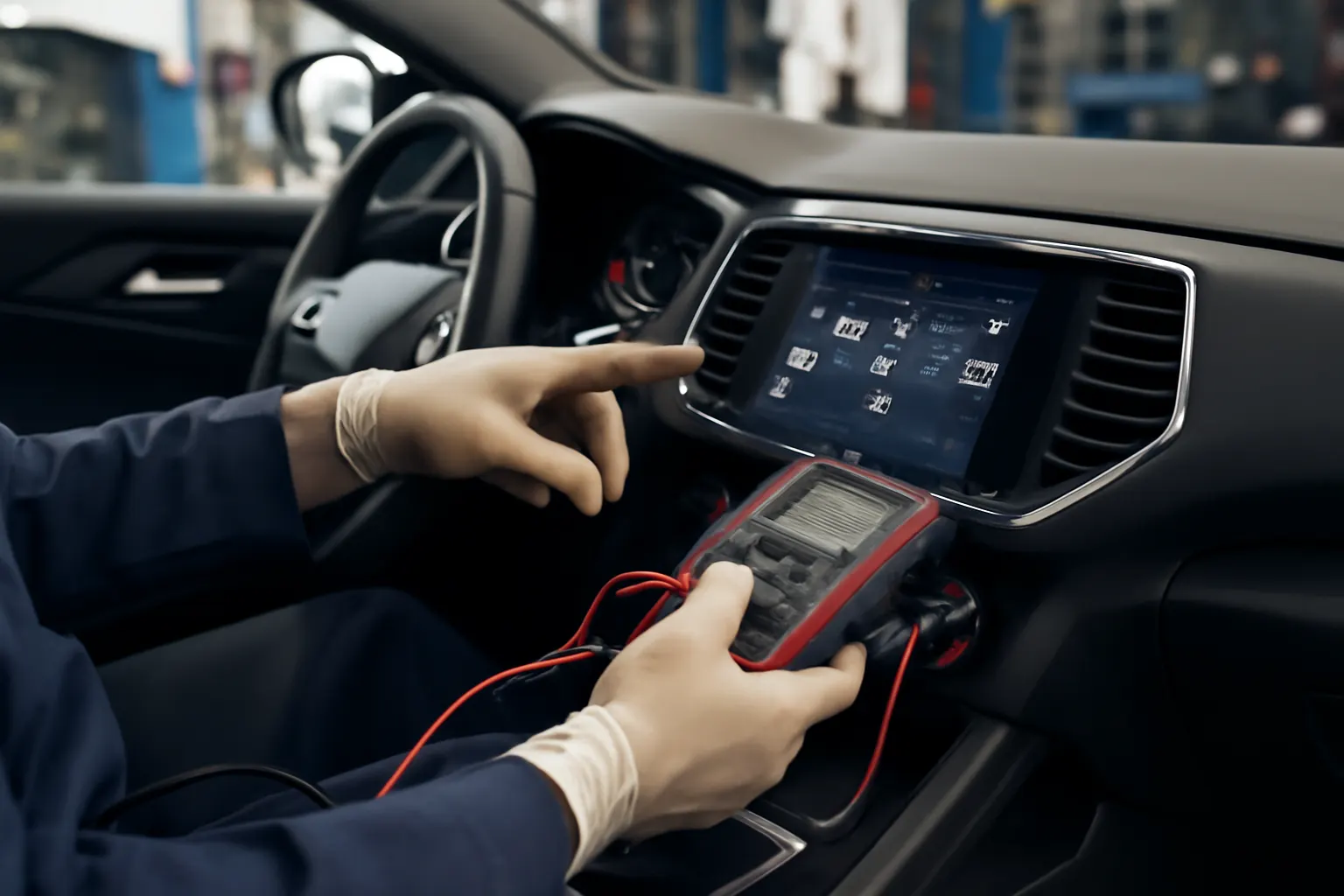
- Use a scan tool to check for HVAC or infotainment error codes.
- Are there stored faults in the control module?
If you’re unsure about any step, refer to our guide on Diagnosing HVAC Control Module Failures for more detailed troubleshooting.
Repair and Replacement: What to Do When Touchscreen Controls Fail
Depending on the nature of the problem, solutions may range from simple resets to full module replacement.
Simple Fixes
- Soft Reset: Most systems can be rebooted by holding down specific buttons or disconnecting the vehicle’s battery for a short period.
- Software Update: Installing the latest firmware can resolve many glitches.
- Fuse Replacement: If only the screen is dead, check and replace blown fuses related to the infotainment system.
Advanced Repairs
- Module Replacement: If the touchscreen or control module is physically damaged or non-responsive, replacement may be necessary.
- Wiring Repair: Damaged harnesses or connectors may require splicing or replacement.
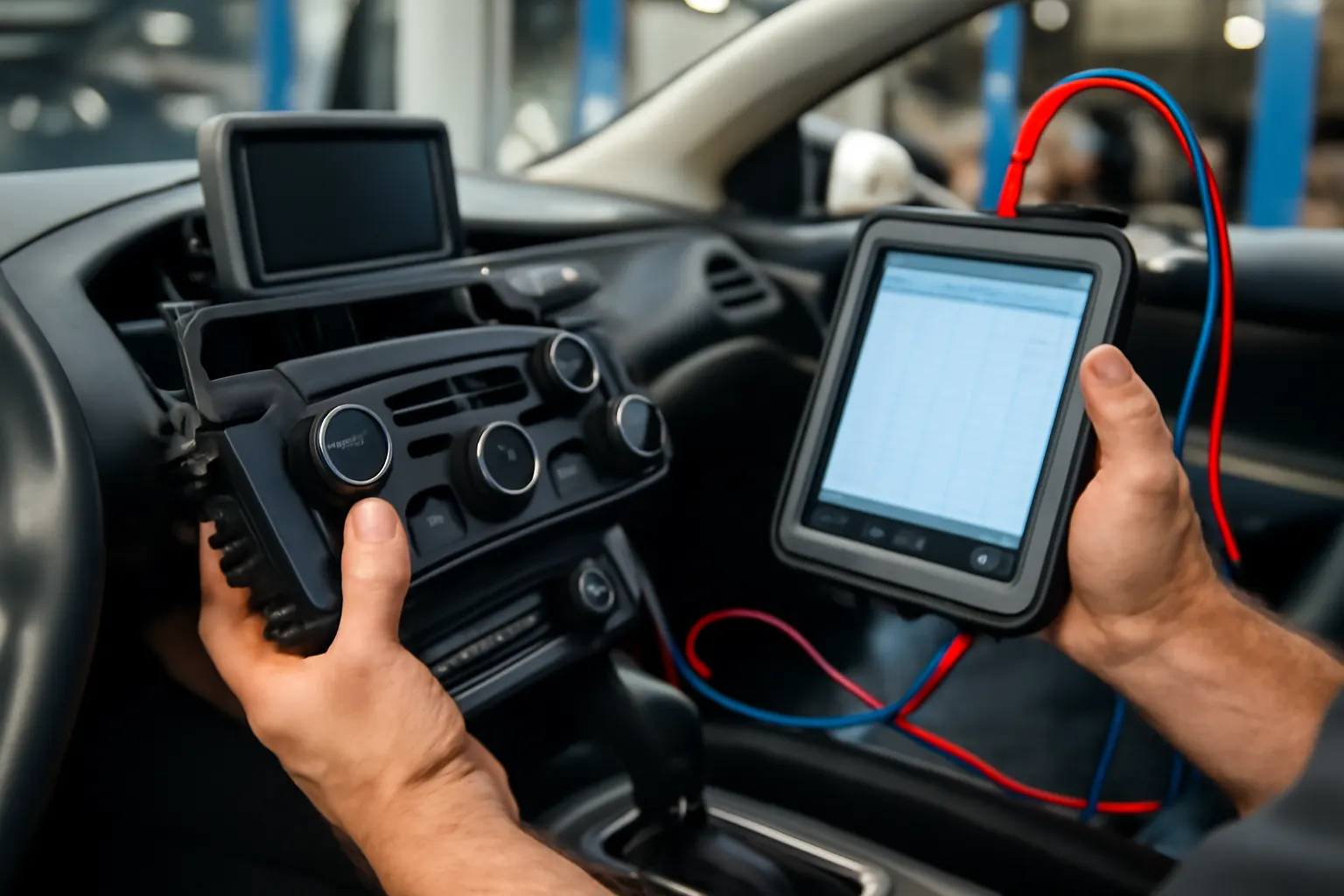
- Professional Diagnostics: Some issues, especially those involving communication buses or sensor faults, require specialized scan tools and OEM software.
Sourcing Replacement Parts
When sourcing replacement touchscreen or HVAC control modules, ensure compatibility with your vehicle’s make, model, and trim. Refer to manufacturer part numbers, or consult with a trusted supplier to avoid costly fitment errors. For related climate system components, explore our AC Compressor, AC Condenser, and Air Box/Air Cleaner category pages.
Preventive Maintenance for Touchscreen Climate Systems
Proactive care can extend the life of your vehicle’s touchscreen and HVAC electronics.
1. Keep the Screen Clean
Use only manufacturer-approved cleaners and microfiber cloths. Avoid harsh chemicals or excessive moisture.
2. Update Software Regularly
Install updates as soon as they are available to fix bugs and improve system stability.
3. Protect Against Extreme Temperatures
Prolonged exposure to heat or direct sunlight can damage LCD panels and internal components. Use sunshades and park in shaded areas when possible.
4. Avoid Excessive Force
Do not press hard on the screen or use sharp objects, which can cause permanent damage.
5. Inspect for Moisture Intrusion
Ensure that no water leaks are present in the dash area, as moisture can corrode connectors and circuit boards.
Safety and Regulatory Considerations
Touchscreen climate controls must meet stringent safety and equipment standards, as outlined by the National Highway Traffic Safety Administration (NHTSA: Vehicle Safety and Equipment). Key points include:
- Driver Distraction Mitigation: Manufacturers are required to design interfaces that minimize distraction and allow for quick, intuitive operation.
- Recall Monitoring: Touchscreen or HVAC control failures that impact safety can trigger manufacturer recalls. Check the NHTSA Recalls Database if you suspect your vehicle is affected.
- Accessibility Requirements: Some regions mandate that critical controls remain accessible to all users, regardless of disability.
Always ensure that any repair or replacement parts meet OEM and regulatory standards.
Retrofitting and Upgrading: Can You Add or Replace Touchscreen Controls?
Retrofitting a touchscreen climate control system into a vehicle that didn’t originally come with one is possible but complex. Considerations include:
- Compatibility: The vehicle’s existing wiring, sensors, and actuators must be capable of interfacing with the new module.
- Programming: New modules often require dealer-level programming to function correctly.
- Physical Fitment: Dash modifications may be necessary to accommodate different screen sizes or mounting points.
- Safety and Warranty: Aftermarket systems may not meet OEM safety standards and could void manufacturer warranties.
For most owners, replacing a failed touchscreen with an OEM-spec unit is far more practical than attempting a full retrofit.
Comparing Touchscreen Controls to Traditional Button-Based Systems
When deciding between touchscreen and traditional controls, consider the following:
| Feature | Touchscreen Controls | Traditional Controls |
|---|---|---|
| Aesthetics | Modern, minimal, customizable | Classic, tactile, less customizable |
| Usability | Requires visual attention | Can be operated by feel |
| Reliability | Prone to software/hardware issues | Fewer failure points |
| Repair Cost | High (complex electronics) | Lower (mechanical switches) |
| Updateability | Software updates possible | Hardware changes required |
| Accessibility | May be difficult for some users | More universally accessible |
| Integration | High (multi-function) | Limited integration |
While touchscreens offer modern features, traditional controls still excel in reliability and ease of use, especially for critical systems like HVAC.
Buying Guide: What to Look for in Touchscreen Climate Controls
If you’re shopping for a new or replacement climate control system, prioritize the following:
- OEM Compatibility: Ensure the unit matches your vehicle’s make, model, and year.
- Software Support: Check for regular firmware updates and support from the manufacturer.
- Physical Quality: Look for robust construction, high-quality touch panels, and clear display visibility under various lighting conditions.
- Warranty Coverage: Opt for units with manufacturer or supplier warranties.
- Accessibility Features: Consider models with voice control, physical backup buttons, or haptic feedback for improved usability.
If you’re replacing a failed unit, consult our guide on Replacing Your Vehicle’s Heater/AC Control Head for step-by-step installation tips.
AutoPartEx Expertise: Your Partner in Climate and Infotainment Solutions
At AutoPartEx, we understand that the nerve center of your vehicle’s comfort and infotainment systems is only as reliable as its weakest link. Our comprehensive inventory covers everything from Heater/AC Control Units to advanced touchscreen modules and supporting HVAC components. Whether you’re troubleshooting an unresponsive screen, sourcing a replacement control head, or upgrading your system, our technical resources and expert support help you make informed, confident decisions.
We also provide in-depth guides on related topics, such as Why Your AC Isn’t Working: Control Head vs. Compressor Issues, to help you diagnose and resolve problems quickly—saving you time and money.
Taking Action: When to Seek Expert Help
While many touchscreen climate control issues can be addressed with basic troubleshooting, some situations require professional intervention:
- Persistent or recurring failures after resets or updates
- Diagnostic trouble codes (DTCs) related to HVAC or infotainment modules
- Physical damage to the screen or dashboard
- Electrical issues beyond simple fuse replacement
If in doubt, consult a certified technician or dealership with experience in electronic climate control systems. Proper diagnostics and OEM-quality replacement parts are critical for restoring full functionality and ensuring safety compliance.