Key Fob Battery Replacement: Tips and Tricks
Modern vehicles rely on key remote/fob systems for secure, convenient access and ignition. When your key fob starts losing range or fails to unlock your car, a depleted battery is usually the culprit. Replacing a key fob battery is a straightforward DIY task, but there are critical details and best practices to prevent accidental damage or fob failure. This guide delivers expert tips, step-by-step instructions, and practical troubleshooting for every driver, technician, or enthusiast.
For a comprehensive understanding of vehicle entry systems, see our Key Remote/Fob Systems: Complete Guide to Modern Vehicle Access and Security category page. This article focuses on battery replacement, but also highlights the hidden pitfalls and technical nuances every car owner should know.
Why Key Fob Battery Replacement Matters
Key fobs are more than just remote controls; they are an integral part of your vehicle’s security and convenience systems. Their batteries power functions such as remote locking/unlocking, trunk release, panic alarms, and, in many cases, push-button start or passive entry. A weak or dead battery can leave you stranded, unable to access or start your vehicle—especially in models with no visible key slot.
Battery replacement is a simple, inexpensive task that dramatically reduces the risk of unexpected lockouts and security issues. However, improper replacement can cause fob circuit damage, programming loss, or even trigger vehicle immobilizer problems. Understanding the right procedures and precautions is essential for modern vehicle owners.
Hidden Pitfalls: The Risks of Improper Key Fob Battery Replacement
While key fob batteries are user-serviceable, many drivers unknowingly make mistakes during replacement. Common issues include:
- Fob Case Damage: Using metal tools or excessive force can crack plastic housings, break clips, or damage internal components.
- Polarity Errors: Installing the battery upside down or with reversed polarity can short-circuit the fob or erase programming.
- Static Electricity: Touching circuit boards without grounding yourself may introduce static, risking permanent fob failure.
- Wrong Battery Type: Substituting battery types or voltages can result in unreliable operation or shortened lifespan.
- Water or Dirt Intrusion: Failing to reseal the fob properly after replacement can allow moisture or debris inside, causing corrosion or malfunction.
These pitfalls can turn a two-minute maintenance task into a costly repair or a dealership visit. Recognizing and avoiding them is the key to hassle-free vehicle access.
Understanding Key Fob Battery Types and Lifespan
Most automotive key fobs use coin cell lithium batteries—commonly CR2032, CR2025, or CR2450. Some older or specialized fobs may use AAA/AA cells or rechargeable batteries. Typical coin cell lifespans range from 2 to 5 years, depending on usage frequency, vehicle system demands, and environmental factors.
Battery Type Table: Common Key Fob Batteries
| Battery Model | Voltage | Diameter (mm) | Thickness (mm) | Typical Use |
|---|---|---|---|---|
| CR2032 | 3V | 20 | 3.2 | Most modern car key fobs |
| CR2025 | 3V | 20 | 2.5 | Slimmer fobs, some European/Japanese models |
| CR2450 | 3V | 24 | 5.0 | High-power fobs, proximity keys |
| AAA/AA | 1.5V | N/A | N/A | Older remotes, aftermarket alarm fobs |
Always confirm your vehicle’s key fob battery type in the owner’s manual or by checking the old battery markings. Using the wrong cell can damage the circuit or compromise security functions.
Diagnosing a Weak or Failing Key Fob Battery
Recognizing early signs of battery failure can prevent lockouts and frustration. Common symptoms include:
- Reduced Range: You need to stand closer to the vehicle for the fob to work.
- Intermittent Operation: Buttons only work after multiple presses or not at all.
- Warning Messages: Some vehicles display “Key Battery Low” or similar alerts on the dashboard.
- No Response: The fob fails to unlock/lock the doors, trigger the alarm, or start the car (for push-button start models).
If you experience any of these, replace the battery promptly. For push-to-start vehicles, a dead fob can also prevent engine ignition, even if the mechanical backup key can open the doors.
Step-by-Step Guide: Safe Key Fob Battery Replacement
Follow these steps to replace your key fob battery safely and effectively:
1. Gather Tools and Supplies
- Correct replacement battery (verify type and brand)
- Small flat-blade screwdriver or plastic pry tool
- Clean, dry workspace
- Anti-static wrist strap (optional but recommended)
- Clean microfiber cloth
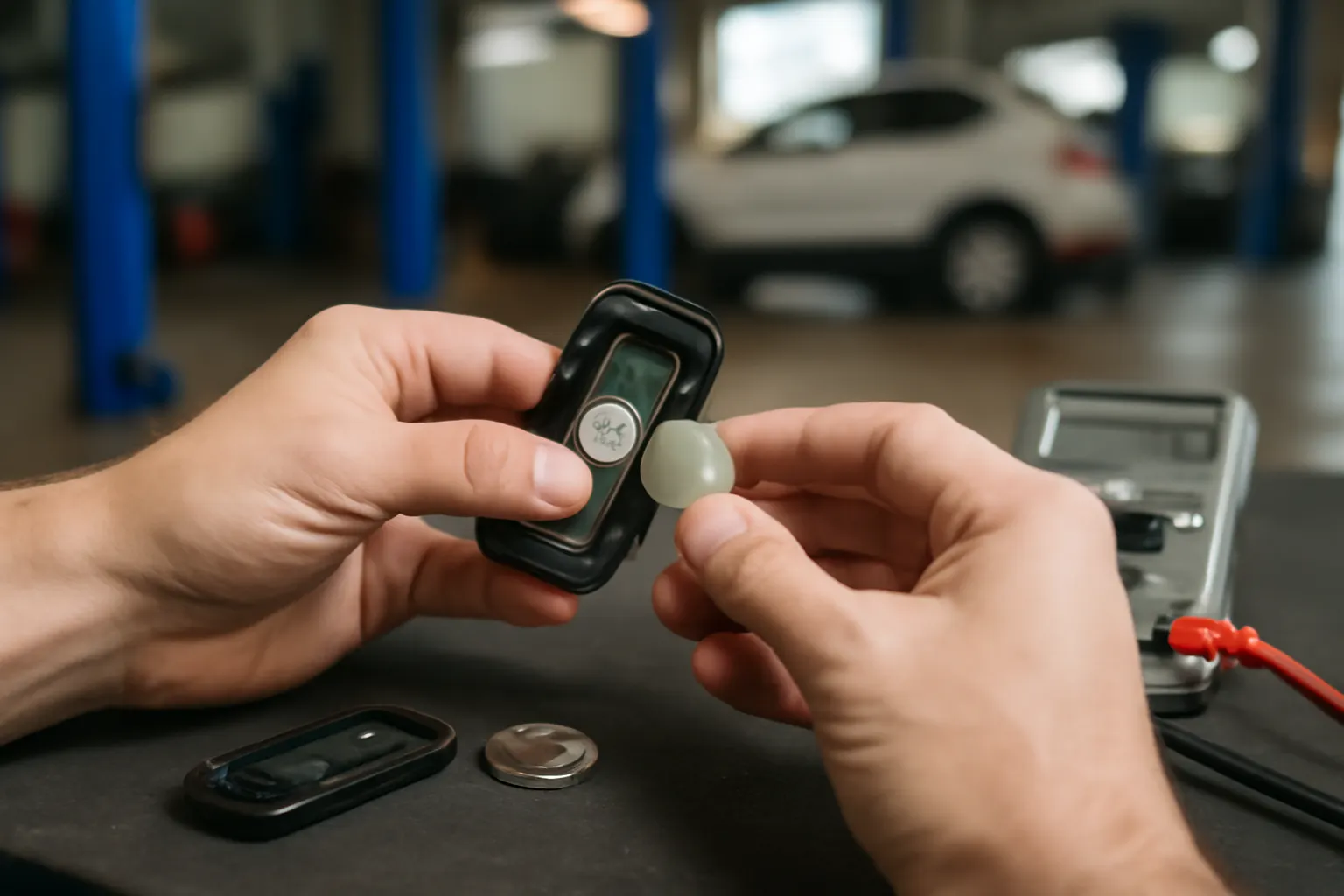
2. Open the Key Fob
- Locate the seam or slot on the fob case.
- Insert the plastic pry tool or the tip of the screwdriver gently into the slot.
- Twist or pry carefully until the case splits. Avoid excessive force to prevent cracking the housing.
3. Remove the Old Battery
- Note the battery orientation (positive and negative sides).
- Use your tool or finger to gently lift the battery out.
- Avoid touching the circuit board or contacts with bare hands.
4. Install the New Battery
- Insert the new battery in the same orientation as the old one.
- Press gently until it snaps into place.
- Double-check polarity before closing the case.
5. Reassemble the Fob
- Align the case halves and press together until you hear a click.
- Ensure all clips are fully engaged and the case is sealed.
6. Test the Key Fob
- Stand near your vehicle and test all functions: lock, unlock, trunk, panic, and (if equipped) remote start.
- If the fob does not work, re-open and check for battery alignment, polarity, or contact cleanliness.
Key Fob Battery Replacement Checklist
Before you start, review this checklist to ensure a smooth replacement process:
- Confirm the correct battery type and voltage for your specific fob.
- Work in a clean, static-free environment.
- Use only non-metallic pry tools when possible.
- Ground yourself to prevent static discharge.
- Handle the circuit board by the edges—avoid touching components.
- Inspect the case gasket or O-ring for wear; replace if necessary to maintain water resistance.
- Re-test the fob after assembly, including all buttons and range.
- Dispose of old batteries safely according to local regulations.
Troubleshooting: When a New Battery Doesn’t Fix the Fob
If your key fob still doesn’t work after battery replacement, consider these possibilities:
- Dirty Contacts: Battery terminals or circuit contacts may be corroded or dirty. Clean gently with a cotton swab and isopropyl alcohol.
- Worn Buttons: If the rubber membrane is worn, button presses may not register. Replacement fob shells are available for many models.
- Programming Loss: Some fobs lose programming if the battery is removed for an extended period. Refer to your owner’s manual or see our How to Program a Replacement Key Fob guide.
- Fob Circuit Damage: If the fob was dropped, exposed to water, or handled improperly, internal damage may have occurred. Professional repair or replacement may be required.
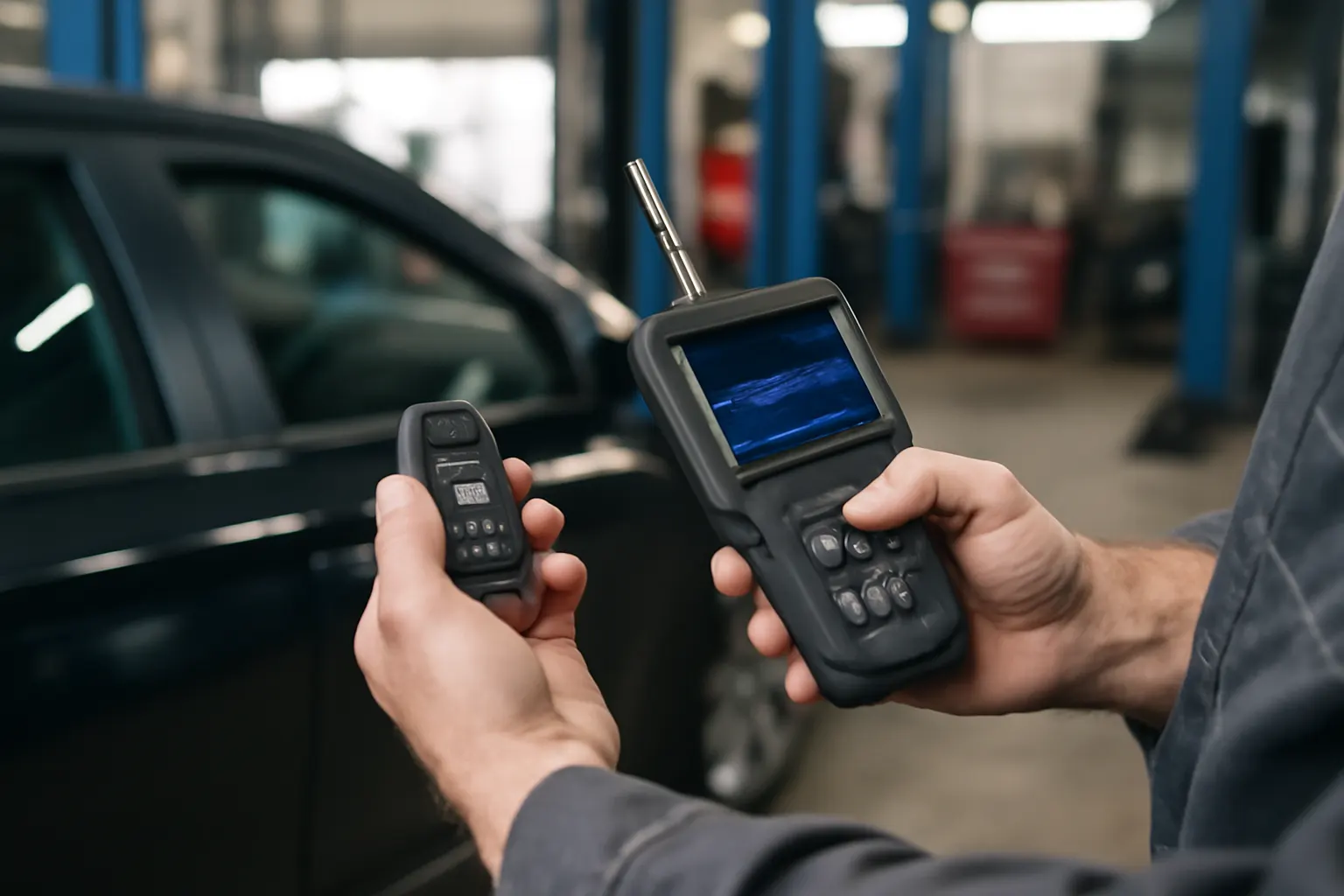
- Vehicle System Faults: Rarely, the vehicle’s receiver or antenna may be at fault. Diagnostic testing at a qualified shop is recommended.
Sourcing High-Quality Key Fob Batteries
Not all coin cell batteries are created equal. For best results:
- Choose Name Brands: Stick to reputable brands (Panasonic, Energizer, Duracell, Sony, Maxell) to ensure consistent voltage and longevity.
- Avoid Bulk No-Name Packs: Cheap batteries often have inconsistent capacity and may leak or fail prematurely.
- Check Expiry Dates: Coin cells have a long shelf life, but old stock can lose charge before use.
- Buy From Authorized Retailers: Purchase from auto parts stores, electronics retailers, or trusted online sources to avoid counterfeit batteries.
Quality batteries protect both your fob and your vehicle’s security systems by delivering stable, reliable power.
Maintaining Key Fob Longevity: Best Practices
Proper battery replacement is just one aspect of key fob care. To maximize lifespan and reliability:
- Store Fobs Away From Electronics: Proximity to cell phones, tablets, or wireless routers can interfere with signals and drain batteries faster.
- Avoid Moisture and Extreme Temperatures: Heat, cold, and humidity can damage fob electronics and reduce battery life.
- Use Only as Needed: Avoid pressing buttons unnecessarily, as each press consumes a small amount of battery power.
- Regularly Inspect for Damage: Check the fob case and buttons for cracks or wear. Replace shells or buttons as needed.
These habits ensure your key remote/fob system remains dependable for years.
Advanced Tips: Special Considerations for Proximity and Smart Keys
Many modern vehicles use advanced “smart” or proximity key fobs that enable passive entry and push-button start. These fobs communicate with the vehicle even when not in use, drawing more power than traditional remotes.
Special Replacement Tips:
- Battery Drain Prevention: If you won’t use your vehicle for an extended period, store the fob away from the car to prevent constant communication and battery drain.
- Emergency Start Procedures: Most proximity systems feature a backup method (such as placing the fob near a specific dashboard spot) to start the car with a dead battery. Learn your vehicle’s procedure in advance.
- Programming Sensitivity: Some smart fobs require rapid battery replacement to avoid losing synchronization with the vehicle.
Consult your owner’s manual or dealership for model-specific guidance.
Security Implications: Why Battery Quality and Proper Replacement Matter
A malfunctioning key fob can compromise your vehicle’s security. Weak batteries may intermittently unlock doors or fail to arm/disarm alarms, leaving your vehicle vulnerable. In some cases, improper battery fitment can also trigger false alarms or immobilizer errors, potentially stranding you.
Furthermore, as outlined by the National Highway Traffic Safety Administration, reliable operation of security and entry systems is a core aspect of vehicle safety. Always treat key fob maintenance as a critical part of your overall vehicle care routine.
For more on security best practices, see Preventing Key Fob Signal Theft: Security Best Practices.
When to Seek Professional Help
While most drivers can replace key fob batteries themselves, some situations require expert attention:
- Sealed or Glued Cases: Some luxury or specialty fobs are not designed to be opened by users. Attempting to pry them open may destroy the fob.
- Integrated Rechargeable Batteries: Some EVs and high-end vehicles use rechargeable fob batteries that require special tools or procedures.
- Lost Programming: If your fob loses synchronization with your vehicle, reprogramming may require dealer-level equipment or security codes.
- Physical Damage: Cracked circuit boards, broken buttons, or water damage typically require professional repair or replacement.
If in doubt, consult your dealership or a qualified locksmith specializing in automotive electronics.
Environmental and Safety Considerations
Used coin cell batteries should never be thrown in the trash. They contain lithium and other materials that can harm the environment and pose a fire risk if damaged. Local recycling programs and electronics retailers often accept used batteries for safe disposal.
Take care to keep old batteries out of reach of children and pets—small coin cells are a serious ingestion hazard.
For more on vehicle safety and equipment standards, see the National Highway Traffic Safety Administration’s equipment page.
Key Fob Battery Replacement in the Context of Modern Vehicle Systems
Today’s vehicles integrate key remote/fob systems with immobilizer modules, alarm systems, and even telematics. A malfunctioning fob can affect not just entry, but also engine start, anti-theft systems, and even remote diagnostics. As technology advances, proper fob maintenance becomes even more important for overall vehicle reliability and safety.
For a deeper dive into immobilizer technology and its relationship with key fobs, see Understanding Vehicle Immobilizer Systems.
AutoPartEx: Your Trusted Source for Key Fob Parts and Guidance
AutoPartEx specializes in providing verified, high-quality replacement parts and technical guidance for all your key remote/fob needs. Our curated selection ensures you receive only the correct batteries, shells, and fob components for your specific make and model. Whether you drive an Acura, Alfa, AMC, or another brand, our resources and inventory have you covered.
Explore our full Key Remote/Fob Systems: Complete Guide to Modern Vehicle Access and Security to find detailed fitment data, programming instructions, and more. Our technical editorial team is committed to your security, convenience, and satisfaction.
Summary: Prolong Your Key Fob’s Life with the Right Approach
Replacing your key fob battery is a simple task with big consequences. Using the correct battery, following safe procedures, and avoiding common pitfalls ensures your fob—and your vehicle—remain secure and reliable. Regular maintenance, quality parts, and attention to detail are the foundation of stress-free vehicle ownership in the modern age.
For further information on diagnostics, parts sourcing, and security, visit our editorial guides and category pages. Stay proactive and keep your vehicle’s access systems in peak condition with AutoPartEx.