Key Fob Battery Replacement: Tips and Tricks
Modern vehicle access and security rely heavily on key remote/fob systems, making a healthy fob battery essential for daily convenience and safety. If your key fob is slow to respond, working intermittently, or has stopped functioning entirely, replacing the battery is a fast, cost-effective solution that most drivers can handle themselves. In this comprehensive guide, you'll learn exactly how to replace your key fob battery, avoid common pitfalls that can lead to fob failure, and ensure your remote continues to function reliably—without unnecessary dealership visits or expense. For further details on key fob systems and other components, visit our Key Remote/Fob Systems: Complete Guide to Modern Vehicle Access and Security page.
Why Key Fob Battery Replacement Matters
Key fobs are more than just a convenience—they are a critical part of your vehicle’s security and access system. A depleted fob battery can leave you stranded, unable to unlock or start your vehicle, and in some cases, even trigger anti-theft immobilizer systems. Modern vehicles increasingly rely on wireless access, push-button starts, and proximity sensors, all of which depend on the fob’s battery health.
Ignoring a weak fob battery can result in:
- Lockouts: Inability to unlock doors remotely.
- Ignition Failure: Push-to-start vehicles may not recognize a dead fob.
- Alarm Activation: Some vehicles trigger alarms if fob signals are irregular.
- Reduced Range: Weak batteries limit the effective distance of your remote.
Understanding the significance of timely battery replacement is the first step toward uninterrupted vehicle access and security.
Hidden Pitfalls: Why Simple Battery Swaps Can Go Wrong
While swapping a key fob battery appears straightforward, many vehicle owners encounter unexpected issues. Incorrect battery installation, static discharge, or use of subpar batteries can damage sensitive electronics inside the fob. Additionally, certain manufacturers use unique battery types or require specific procedures for re-synchronizing the fob after a battery change.
Common pitfalls include:
- Damaging internal contacts or circuit boards with improper tools.
- Losing small components like springs or buttons during disassembly.
- Installing the battery upside down, causing the fob to malfunction.
- Using non-OEM (Original Equipment Manufacturer) batteries with incompatible voltage or size.
These mistakes can render your fob inoperative, requiring costly reprogramming or replacement.
Understanding Your Key Fob: Types and Battery Specifications
Before you attempt a battery replacement, it’s crucial to identify your key fob type and the correct battery it uses. Key fobs generally fall into three categories:
- Standard Remote Key Fobs: Used for locking/unlocking and panic alarms.
- Proximity/Smart Key Fobs: Enable keyless entry and push-button start.
- Switchblade/Flip Keys: Combine a mechanical key with remote functions.
Most key fobs use coin-cell batteries (like CR2032 or CR2025), but some models require specialty batteries. Always consult your owner’s manual or check the part number on your existing battery before purchasing a replacement.
Checklist: Key Fob Battery Identification
- Check the owner’s manual for battery type and replacement instructions.
- Look for battery markings inside the fob (e.g., CR2032).
- Note the fob’s make, model, and year for accurate battery sourcing.
- Avoid guessing—using the wrong battery type can damage your fob.
Safety First: Precautions Before Opening Your Key Fob
Key fobs contain sensitive electronics that can be damaged by static electricity, moisture, or improper handling. To protect both yourself and your fob:
- Work on a Clean, Dry Surface: Avoid areas with static buildup (carpeted floors).
- Ground Yourself: Touch a metal object to discharge static before handling the fob.
- Use the Right Tools: A small flathead screwdriver or plastic pry tool is ideal.
- Avoid Excessive Force: Gently pry open the fob to prevent cracking the case or damaging internal components.
- Handle Circuit Boards Carefully: Avoid touching the circuit board or battery contacts directly with your fingers.
Following these precautions reduces the risk of accidental damage and ensures a successful battery replacement.
Step-by-Step Key Fob Battery Replacement
Replacing a key fob battery is a manageable DIY task if you follow a systematic approach. Here’s a detailed process applicable to most modern key fobs:
1. Gather Required Tools and Materials
- Replacement battery (confirm part number)
- Small flathead screwdriver or plastic pry tool
- Clean, static-free workspace
- Optional: Tweezers (for small components)
2. Open the Key Fob Case
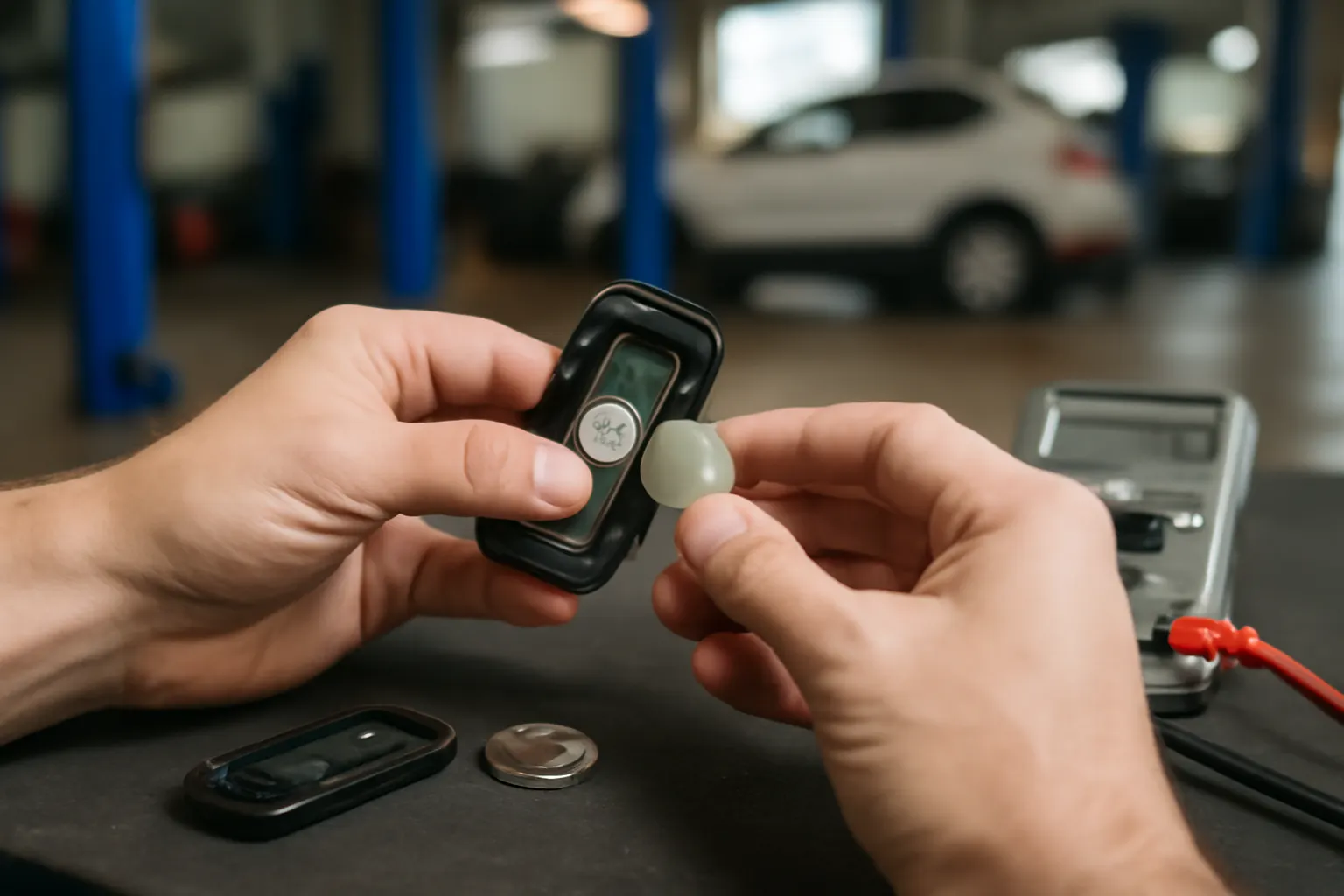
- Locate the seam or notch on the fob—often near the key ring or along the edge.
- Insert the screwdriver or pry tool gently and twist to separate the two halves.
- Carefully lift the case apart, noting the position of springs or buttons.
3. Remove the Old Battery
- Observe the orientation (positive/negative side) of the old battery.
- Use tweezers or your tool to gently lift the battery out.
- Inspect the battery contacts for corrosion or debris—clean if necessary.
4. Install the New Battery
- Insert the new battery in the same orientation as the old one.
- Ensure it sits flush and makes contact with both terminals.
- Avoid touching the battery’s surface with bare fingers.
5. Reassemble the Fob
- Align both halves of the case and snap or screw them together.
- Test the fob’s buttons before returning it to your keychain.
6. Test Functionality
- Stand near your vehicle and test all remote functions (lock, unlock, panic, trunk).
- If your vehicle uses a proximity or smart fob, test push-button start.
Pro Tip: Some fobs require re-synchronization after battery replacement. Consult your manual or see How to Program a Replacement Key Fob for specific instructions.
Troubleshooting: What To Do If the Fob Still Doesn’t Work
Sometimes, a fresh battery doesn’t resolve the issue. Here’s how to diagnose further:
- Check Battery Orientation: Ensure the battery is installed correctly.
- Inspect for Physical Damage: Look for broken contacts, cracked boards, or missing buttons.
- Try a Second New Battery: Occasionally, replacement batteries are defective or stale.
- Reprogram the Fob: Some vehicles require re-initialization after a battery change. See your owner’s manual or our guide on How to Program a Replacement Key Fob.
- Test the Fob with Another Car: If you have access to another vehicle of the same make/model, test the fob to rule out vehicle receiver problems.
If these steps fail, the fob may need professional repair or full replacement.
Sourcing Quality Replacement Batteries
Not all coin-cell batteries are created equal. Using low-quality or counterfeit batteries can cause:
- Shorter lifespan
- Inconsistent performance
- Potential fob damage due to leakage or incorrect voltage
Best Practices for Sourcing Batteries:
- Buy from reputable automotive parts stores or trusted online retailers.
- Choose name-brand batteries (Energizer, Panasonic, Duracell).
- Check expiration dates on packaging.
- Avoid bulk “bargain” packs with unclear origins.
OEM batteries are recommended, especially for high-end vehicles with advanced keyless entry systems.
How Often Should You Replace Your Key Fob Battery?
Key fob batteries typically last 2–4 years, depending on usage patterns and battery quality. Factors affecting battery life include:
- Frequency of use (more button presses = faster drain)
- Proximity systems that “poll” the fob even when not in use
- Extreme temperature exposure (heat and cold reduce battery capacity)
- Battery brand and type
Signs It’s Time to Replace the Battery:
- Reduced range or delayed response
- Multiple presses needed for function
- Warning lights or notifications on the dashboard (for some vehicles)
- Complete failure to lock/unlock or start the vehicle
Proactive battery replacement every 2–3 years is a smart preventative measure, especially before long trips or winter months.
Key Fob Battery Replacement Checklist
Use this checklist to ensure a smooth, trouble-free battery replacement:
| Step | Action Item | Completed? |
|---|---|---|
| Identify fob type | Check owner’s manual/model | [ ] |
| Source correct battery | Note part number/voltage | [ ] |
| Prepare workspace | Clean, dry, static-free surface | [ ] |
| Gather tools | Screwdriver, pry tool, tweezers | [ ] |
| Discharge static | Touch metal object before handling fob | [ ] |
| Open fob carefully | Pry gently, avoid force | [ ] |
| Remove old battery | Note orientation, inspect contacts | [ ] |
| Install new battery | Match orientation, avoid finger contact | [ ] |
| Reassemble fob | Align halves, snap/screw together | [ ] |
| Test all functions | Lock, unlock, panic, trunk, start | [ ] |
| Reprogram if needed | Follow manual or How to Program a Replacement Key Fob | [ ] |
| Dispose of old battery safely | Recycle at designated drop-off | [ ] |
Safety and Environmental Considerations
Key fob batteries are classified as small consumer lithium cells. Improper disposal can harm the environment and may be illegal in some jurisdictions. Always:
- Recycle used batteries at local collection points or electronics stores.
- Avoid tossing batteries in household trash.
- Keep spare batteries out of reach of children and pets.
For more on vehicle equipment safety, consult the National Highway Traffic Safety Administration’s Vehicle Safety and Equipment guidelines.
When to Seek Professional Help
While most key fob battery replacements are DIY-friendly, there are situations where professional service is advisable:
- Complex Fob Designs: Some luxury vehicles use sealed or intricately designed fobs.
- Failed Reprogramming: If you can’t get the fob to sync, a dealer or locksmith can assist.
- Suspected Electronic Damage: Water exposure or internal breakage may require diagnostic equipment.
Professional locksmiths and dealerships have the tools to diagnose, repair, or replace advanced key fobs, including programming for immobilizer systems. For more on immobilizer technology, see Understanding Vehicle Immobilizer Systems.
Preventing Key Fob Problems: Maintenance and Handling Tips
Proper care extends your key fob’s life and reduces the risk of sudden failure:
- Avoid Dropping or Crushing: Fobs contain delicate circuit boards.
- Keep Dry: Moisture can short-circuit internal electronics.
- Store Away from Magnets: Magnetic fields can disrupt signal transmission.
- Limit Button Presses: Unintentional presses (e.g., while in a pocket) drain the battery faster.
- Use a Protective Case: Reduces wear and shields against impact.
Routine maintenance, such as cleaning contacts and checking battery status, ensures consistent operation. For additional security tips, see Preventing Key Fob Signal Theft: Security Best Practices.
Advanced Troubleshooting: Beyond the Battery
If your fob still doesn’t work after a battery swap and basic troubleshooting, consider these advanced diagnostics:
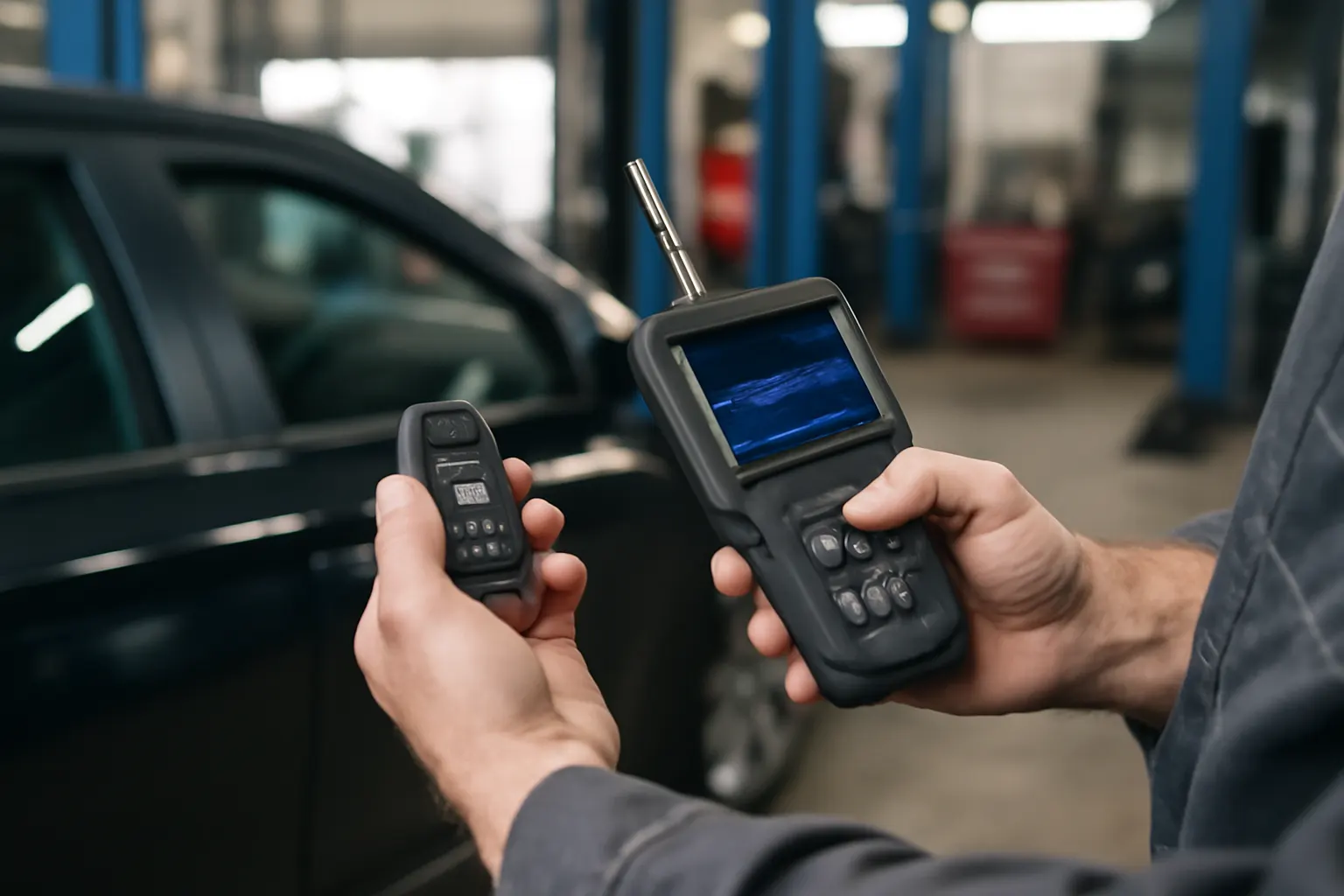
- RF Signal Testing: Some automotive shops can test if the fob is transmitting a radio frequency signal.
- Vehicle Receiver Issues: The problem may lie with the car’s receiver or antenna, not the fob itself.
- Software/Firmware Updates: On rare occasions, a software update is needed for compatibility after battery replacement.
- Recall Notices: Check for manufacturer recalls related to your key fob via the NHTSA Recalls Database.
Document all steps taken and any observed symptoms. This information is invaluable if you need to escalate to professional service.
The Role of Materials Technology in Key Fobs
Modern key fobs benefit from advanced materials, including lightweight plastics, corrosion-resistant battery contacts, and miniaturized components. These innovations improve durability and performance while reducing weight—an important factor in overall vehicle efficiency. For more on automotive materials, explore Materials Technologies.
AutoPartEx: Your Source for Key Fob Solutions
AutoPartEx provides comprehensive resources for vehicle owners, DIYers, and technicians seeking reliable information on automotive access and security systems. Whether you’re replacing a key fob battery, sourcing OEM parts, or troubleshooting advanced fob issues, our guides and product listings are designed to keep you on the road with confidence.
Visit our Key Remote/Fob Systems: Complete Guide to Modern Vehicle Access and Security for detailed information on fobs, remotes, and related components. For hands-on programming support, see How to Program a Replacement Key Fob.
Take Action: Stay Ahead of Key Fob Failure
Don’t wait for your key fob to fail at the worst possible time. Stock a spare battery, learn your fob’s replacement procedure, and perform preventive maintenance as part of your vehicle care routine. If you encounter persistent issues, leverage AutoPartEx’s technical resources or consult a qualified automotive locksmith.
For more detailed guides and product recommendations, explore the full AutoPartEx platform—your trusted partner in automotive reliability and security.