
The Evolution of In-Car Entertainment: From Cassette to Streaming
In-car entertainment has transformed from simple AM radios to modern, touchscreen-driven infotainment hubs with streaming, connectivity, and advanced audio processing. For drivers and enthusiasts considering an upgrade or restoration, understanding this progression is essential to making informed decisions about compatibility, installation, and future-proofing your vehicle’s audio system. Whether you’re restoring a classic or upgrading a daily driver, this guide covers the key milestones, technical considerations, and upgrade pathways for today’s in-car entertainment. For more on specific systems and parts, see our CD Player and Radio Systems: Technical Guide and Replacement Insights.
From Simple Radios to Multifunctional Infotainment: The Quick Answer
Today’s in-car entertainment systems are the result of decades of innovation, moving from basic AM radios to cassette decks, CD players, MP3 compatibility, Bluetooth integration, and now fully connected streaming platforms. This evolution reflects not only advances in consumer technology, but also changes in vehicle design, safety standards, and driver expectations. When considering a head unit upgrade, it’s crucial to evaluate compatibility with your vehicle’s wiring, dash structure, and safety systems—along with your personal audio and connectivity needs.
The Hidden Problem: Compatibility, Integration, and Safety
At first glance, upgrading a car’s entertainment system may seem straightforward—swap out the old, install the new. However, hidden challenges often emerge:
- Electrical Compatibility: Modern head units may require wiring harnesses, adapters, or CAN bus integration to function with existing vehicle electronics.
- Physical Fitment: Dash openings, mounting brackets, and trim vary widely, especially between eras and manufacturers.
- Safety and OEM Integration: Features like steering wheel controls, backup cameras, and vehicle diagnostics are increasingly routed through infotainment systems, complicating replacements.
- Regulatory Considerations: Systems must meet federal safety and equipment standards, as outlined by the National Highway Traffic Safety Administration (NHTSA).
Failure to address these issues can result in nonfunctional systems, electrical faults, or even compromise vehicle safety systems. Understanding the history of in-car entertainment helps in troubleshooting, sourcing parts, and planning upgrades with confidence.
A Historical Overview: The Decades of In-Car Audio
The AM Radio Era (1930s–1950s)
The first factory-installed car radios appeared in the 1930s, offering drivers a way to access news and music on the go. These early systems were large, vacuum-tube-based, and monophonic, with simple rotary controls. Installation required significant space and robust power supplies.
Key technical facts:
- Analog circuitry, often prone to interference.
- Single speaker, usually mounted in the dashboard.
- No anti-theft or integration features.
Cassette Revolution (1960s–1980s)
The introduction of the compact cassette in the 1960s revolutionized in-car entertainment. Drivers could now play their own music, not just radio broadcasts. This era saw the rise of aftermarket head units and multi-speaker setups.
Technical advancements:
- Analog tape playback with mechanical auto-reverse mechanisms.
- Early equalizer and tone controls.
- Basic anti-theft features (removable faceplates).
The CD Player Boom (1980s–2000s)
CD players rapidly replaced cassettes in the late 1980s and 1990s, offering superior sound quality and durability. Factory and aftermarket systems incorporated digital-to-analog converters, multi-disc changers, and improved amplification.
Key features:
- Digital audio processing.
- Multi-disc changers (trunk- or dash-mounted).
- Beginnings of integration with vehicle security and display systems.
MP3, Bluetooth, and Early Connectivity (2000s–2010s)
The arrival of MP3 audio and Bluetooth ushered in the era of digital music and hands-free calling. Head units began to feature USB ports, SD card slots, and auxiliary inputs, enabling playback from portable devices.
Technical highlights:
- Firmware-based audio decoding.
- Integrated Bluetooth modules for audio and calls.
- Support for steering wheel controls and basic vehicle data display.
Modern Infotainment: Streaming and Beyond (2010s–Present)
Current systems are full-fledged infotainment hubs, with large touchscreens, voice control, smartphone integration (Apple CarPlay/Android Auto), and even over-the-air updates. These units often interface with navigation, climate control, and safety systems.
Core technologies:
- High-speed digital buses (MOST, CAN, Ethernet).
- Advanced DSP (digital signal processing) for audio customization.
- Tightly integrated with vehicle safety and diagnostic systems.
Technical Challenges in Upgrading or Replacing Head Units
Electrical Integration: More Than Just Power and Ground
Modern vehicles use multiplexed wiring and data buses, meaning the head unit does more than just play audio—it communicates with other modules for security, lighting, and even engine management. Upgrading to an aftermarket system may require:
- CAN bus adapters: To retain steering wheel controls and warning chimes.
- Data retention modules: For safety features like airbags or backup cameras.
- Custom wiring harnesses: To avoid cutting factory wiring, preserving resale value and reliability.
Pro tip: Always consult wiring diagrams and, if available, the SAE standards for in-car electronics to ensure compatibility (SAE Standards).
Physical Fitment: Dash Kits and Mounting
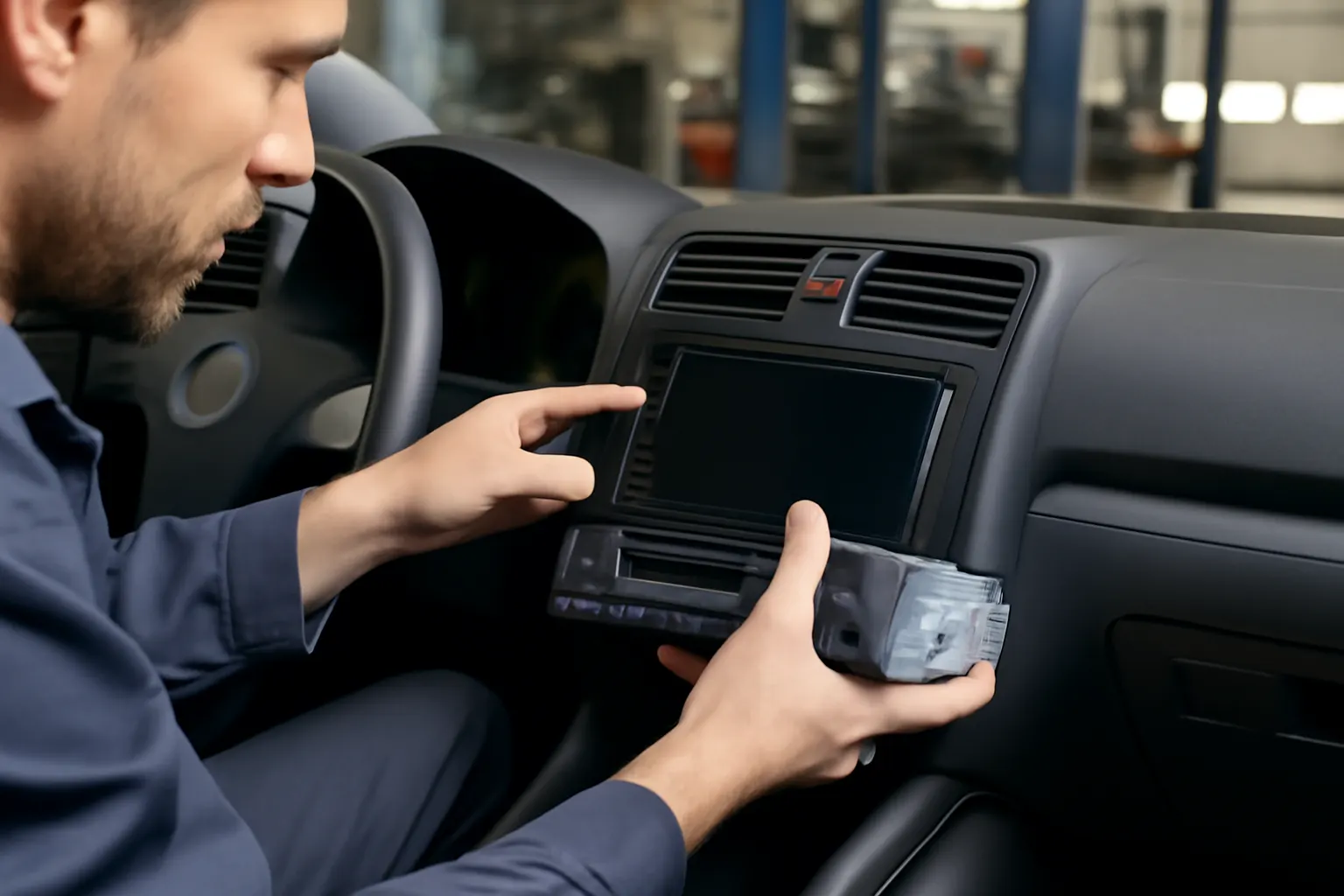
Vehicle dashboards are designed for specific head unit shapes and sizes (DIN, double-DIN, etc.). Older cars may require custom mounting kits, while newer vehicles may have integrated displays and controls that are not easily replaced.
Checklist:
- Confirm head unit size (DIN, double-DIN, custom).
- Check dash opening measurements.
- Source compatible mounting brackets and trim.
- Verify clearance for connectors and wiring.
Retaining OEM Features
Modern head units often control more than audio—climate controls, vehicle settings, and even performance data may be routed through the center stack. When replacing these units:
- Use integration modules to retain OEM features.
- Verify compatibility with vehicle-specific data protocols.
- Consider professional installation for complex vehicles.
The Impact of Materials and Weight on Audio and Performance
While not immediately obvious, the materials used in head units and speaker enclosures can influence both audio quality and vehicle performance. The U.S. Department of Energy highlights the importance of lightweight, durable materials in vehicle design (Materials Technologies).
Implications:
- Heavy aftermarket audio systems can add significant weight, affecting fuel efficiency and handling.
- Modern OEM systems use lightweight plastics, composites, and integrated wiring to minimize impact.
- When upgrading, consider the total weight and placement of amplifiers, subwoofers, and enclosures.
Safety and Regulatory Compliance
All in-car entertainment systems—factory or aftermarket—must comply with federal safety standards. The NHTSA provides guidance and regulations regarding vehicle equipment (Vehicle Safety and Equipment).
Key considerations:
- Aftermarket systems should not interfere with airbag deployment or other critical safety features.
- Integrated displays must not obstruct driver visibility.
- Wiring and installation should follow best practices to avoid electrical hazards.
Expert tip: Always verify that any replacement or upgrade meets NHTSA and SAE standards, especially if your vehicle is subject to inspection or recall (NHTSA Recalls).
Diagnosing Common Audio System Issues
Whether you’re working with an older cassette deck or a modern infotainment system, common failures include:
- No Power: Check fuses, wiring harnesses, and ground connections.
- Distorted Audio: Inspect speakers for damage, test with known-good sources.
- Loss of OEM Features: Ensure all integration modules are present and correctly programmed.
- Intermittent Operation: Look for loose connectors, corroded contacts, or failing internal components.
For a more detailed breakdown, see our guide on Diagnosing Audio System Failures: Common Causes and Fixes.
Upgrading Your Head Unit: Step-by-Step Checklist
When planning an upgrade, follow this comprehensive checklist to avoid common pitfalls:
| Step | Action | Details |
|---|---|---|
| 1 | Assess Current System | Identify head unit type, wiring, and integration with other vehicle systems. |
| 2 | Define Needs | Determine desired features: Bluetooth, streaming, navigation, etc. |
| 3 | Confirm Fitment | Check dash opening size and shape. Source appropriate dash kit if needed. |
| 4 | Source Harnesses/Adapters | Obtain vehicle-specific wiring harnesses, CAN bus adapters, and integration modules. |
| 5 | Verify Compatibility | Ensure new unit supports all required OEM features (steering wheel controls, cameras, etc.). |
| 6 | Plan Installation | Gather tools, review wiring diagrams, disconnect battery before starting. |
| 7 | Test Functionality | Before finalizing installation, test all functions including audio, controls, and safety features. |
| 8 | Secure and Finish | Mount unit securely, reinstall trim, and check for rattles or interference. |
For a full installation walkthrough, see How to Replace Your Vehicle's CD Player/Radio.
Sourcing Parts: OEM vs. Aftermarket
When replacing or upgrading your head unit, you’ll need to choose between OEM (Original Equipment Manufacturer) and aftermarket parts:
- OEM Advantages: Guaranteed fitment, integration with vehicle systems, compliance with manufacturer safety standards.
- Aftermarket Advantages: Greater feature selection, modern connectivity, often lower cost.
Cautions:
- Some modern vehicles use highly integrated infotainment systems that are not easily replaced without loss of features.
- Aftermarket systems may require additional adapters or bypass modules to function correctly.
Always source parts from reputable suppliers and verify compatibility with your specific vehicle make, model, and year.
Maintaining Your In-Car Entertainment System
Proper maintenance can extend the life of your audio system and prevent costly repairs:
- Keep contacts clean: Dust and oxidation can cause intermittent faults.
- Update firmware: For digital head units, install manufacturer updates to fix bugs and add features.
- Inspect wiring: Look for signs of wear, chafing, or heat damage, especially after aftermarket installations.
- Monitor for recalls: Occasionally, manufacturers issue recalls for head unit or infotainment system faults—check NHTSA Recalls.
Future-Proofing: Preparing for New Audio Technologies
The pace of change in in-car entertainment is accelerating. To ensure your next upgrade stands the test of time:
- Choose modular systems: Look for units with updatable firmware and support for add-on modules (e.g., satellite radio, navigation).
- Prioritize connectivity: Ensure compatibility with current and emerging smartphone standards (CarPlay, Android Auto, Bluetooth LE).
- Consider professional installation: Complex vehicles may require advanced integration to retain all features.
Integrating Aftermarket Radios with OEM Systems
For many modern vehicles, the best upgrade path is to integrate an aftermarket head unit with the existing OEM infrastructure. This approach retains factory features while adding new capabilities.
Key integration strategies:
- Use vehicle-specific interface modules.
- Retain steering wheel controls and factory amplifiers.
- Integrate with backup cameras and parking sensors.
For a comprehensive guide, see Integrating Aftermarket Radios with OEM Systems.
AutoPartEx: Your Partner in In-Car Entertainment Upgrades
Upgrading or restoring your in-car entertainment system is a technical challenge that rewards careful planning and expert guidance. At AutoPartEx, we provide:
- Detailed technical guides and replacement insights for CD Player and Radio Systems.
- Sourcing for OEM and aftermarket head units, harnesses, and integration modules.
- Diagnostic support to help you troubleshoot and fix audio system issues.
- Up-to-date information on safety, fitment, and regulatory compliance.
Whether you’re modernizing a classic or enhancing your daily driver, AutoPartEx connects you with the resources and expertise you need for a seamless upgrade.
Conclusion: The Road Ahead for In-Car Entertainment
From the hum of AM radio to the clarity of lossless streaming, in-car entertainment has mirrored the evolution of automotive technology itself. Today’s systems are safer, more connected, and more customizable than ever—but they also demand a deeper understanding of vehicle electronics, integration, and safety standards. By learning from the past and planning for the future, you can enjoy the best of both worlds: modern features and reliable performance, tailored to your unique driving experience.