
Advertisement
Modern vehicles have transformed the traditional dashboard. Instead of clusters of dials, switches, and knobs, drivers now interact with a single integrated screen—often the same GPS display that guides your route also manages your radio, heater, and AC. These systems offer convenience, space savings, and futuristic aesthetics, but they also introduce new complexities. In this comprehensive guide, we’ll explore how integrated screens control your car’s comfort, what happens when these screens fail, and how to maintain, diagnose, and replace them for optimal performance.
If you’re seeking a broader context on how these systems fit into the wider world of automotive displays, visit our Comprehensive Guide to GPS Screens (See Also Radio or Heater/AC Control) for a deeper dive.
Integrated Screens: The Immediate Answer
Today’s vehicles rely on integrated screens—sometimes called infotainment or multi-function displays—to control not just navigation, but also radio, heater, AC, and even seat heating and ventilation. Instead of physical buttons for every function, manufacturers have consolidated these controls into digital menus accessible via touch, rotary dials, or even voice commands.
Key advantages:
- Centralized Control: One interface for navigation, audio, climate, and vehicle settings.
- Customization: Personalized settings for driver profiles, climate zones, and audio preferences.
- Space Efficiency: Fewer physical buttons means cleaner dashboard design and more flexible interior layouts.
- Enhanced Functionality: Over-the-air updates can add new features or improve usability without hardware changes.
But what happens when this single point of control fails? The convenience comes with a hidden cost.
The Hidden Problem: When Integrated Screens Fail
While integrated screens streamline vehicle operation, their failure can cripple multiple comfort systems at once. A single touchscreen malfunction can mean loss of access to:
- Climate Controls: Heater, AC, fan speed, and air distribution.
- Audio Systems: Radio, Bluetooth, media inputs.
- Navigation: Route planning, real-time traffic updates.
- Vehicle Settings: Seat heaters, steering wheel warmth, lighting preferences.
This failure can be caused by various factors:
- Physical Damage: Cracked screens, water ingress, or impact.
- Software Glitches: Firmware bugs, update errors, or corrupted files.
- Electrical Issues: Faulty wiring, blown fuses, or failing control modules.
- Component Wear: Aging touch sensors, failing backlights, or processor degradation.
When an integrated screen goes dark, the driver may lose access to essential comfort and safety features—sometimes even defrosting or demisting controls, which are critical for visibility.
Expanding the Problem: Technical and Safety Implications
Integrated screens are not just about convenience; they are a critical interface for many vehicle systems. Their failure can have cascading effects:
1. Safety Risks
According to the National Highway Traffic Safety Administration, vehicle equipment must be accessible and functional to maintain safety. If climate controls are inaccessible, it can lead to fogged windows or an inability to demist, directly impacting driver visibility and road safety.
2. Diagnostic Complexity
Multi-function screens are connected to the vehicle’s CAN (Controller Area Network) bus, integrating with multiple ECUs (Electronic Control Units). Diagnosing a failure requires advanced scan tools and a deep understanding of automotive electronics—far more complex than replacing a physical knob or button.
3. Repair and Replacement Costs
Because the screen is tied to so many systems, replacement can be expensive. It may require reprogramming, component matching, and software updates to restore full functionality. OEM (Original Equipment Manufacturer) screens are often costly, and compatibility with aftermarket units can be limited.
4. Material and Efficiency Considerations
Modern screens and their associated electronics are lighter and more energy-efficient than older mechanical controls, contributing to improved fuel efficiency and vehicle performance. However, their complexity means that failures can negate these benefits if not promptly addressed.
The Tech Behind Integrated Screens
Integrated vehicle screens are sophisticated assemblies that combine hardware, software, and vehicle network integration. Here’s how they work:
Hardware Components
- Touchscreen Display: Typically LCD or OLED, ranging from 7 to 17 inches diagonally.
- Touch Sensor Layer: Capacitive or resistive technology detects user input.
- Control Processor: Embedded microcontroller or SoC (System on Chip) running the infotainment OS.
- Connectivity Modules: CAN, LIN, or Ethernet connections to vehicle ECUs.
- Physical Controls: Some systems supplement touchscreens with rotary knobs, touchpads, or haptic feedback.
Advertisement
Software Architecture
- Operating System: Automotive-specific OS (e.g., QNX, Android Automotive, proprietary Linux).
- Application Layer: Climate, audio, navigation, and settings apps.
- Vehicle Integration: APIs and protocols for communication with ECUs, sensors, and actuators.
- Security: Encryption and authentication to prevent unauthorized access.
Network Integration
- CAN Bus: Main channel for communication between the screen and other modules (HVAC, radio, seats).
- Proprietary Protocols: Some manufacturers use unique communication standards for added security or performance.
Understanding this architecture is essential for diagnosing issues and ensuring compatibility when replacing or upgrading screens.
What Happens When the Screen Fails?
When the main screen fails, the consequences can be immediate and far-reaching:
- Total Loss of Climate Control: No access to heater, AC, or fan adjustments.
- Audio and Navigation Inaccessibility: Radio, media, and GPS functions may be lost.
- Safety Feature Disruption: Inability to activate defrost, demist, or seat heaters.
- Error Messages: Persistent warnings or system lockouts on the dashboard.
- Fallback Modes: Some vehicles enable limited manual control via backup switches, but many do not.
Common failure symptoms:
| Symptom | Possible Cause | Immediate Impact |
|---|---|---|
| Screen is black/unresponsive | Power loss, blown fuse, failed processor | No access to any functions |
| Touch input not detected | Touch sensor failure, software bug | Can’t change settings, stuck on one menu |
| Glitches/freezing | Software error, overheating | Intermittent loss of function |
| Partial display loss | Backlight or panel failure | Hard to read or use certain controls |
| Error codes displayed | Network communication error | May indicate module or wiring issue |
Diagnosing Integrated Screen Failures
Systematic diagnosis is critical for resolving integrated screen issues. Here’s a step-by-step approach:
Step 1: Check Power and Fuses
- Locate the fuse box and verify the fuse(s) for the infotainment or screen module.
- Inspect for loose or corroded connectors at the back of the screen.
Step 2: Perform a Soft Reset
- Many vehicles allow a soft reset by holding the power button or a combination of physical buttons for 10–20 seconds.
- Refer to the owner’s manual for specific instructions.
Step 3: Scan for Diagnostic Trouble Codes (DTCs)
- Use an OBD-II scanner capable of reading body and infotainment modules.
- Note any codes related to communication failures or module errors.
Step 4: Inspect for Physical Damage
- Check for cracks, water ingress, or signs of impact.
- Examine the touch surface for dead spots or uneven response.
Step 5: Test Peripheral Functions
- See if any physical backup controls (knobs, buttons) still work.
- Check if backup climate controls (if present) are functional.
Step 6: Consult Technical Service Bulletins (TSBs) and Recalls
- Some screen failures are the subject of manufacturer recalls or TSBs. Check the NHTSA recall database.
If you need more detail, our guide on Diagnosing Infotainment Screen Failures breaks down advanced troubleshooting and repair steps.
Maintenance and Preventive Care for Integrated Screens
Because integrated screens are both critical and delicate, proactive care is essential:
Cleaning and Handling
- Use only microfiber cloths and screen-safe cleaners. Avoid ammonia or alcohol-based products.
- Do not press hard on the screen surface; capacitive layers can crack or delaminate.
- Keep liquids away from the dashboard to prevent spills and short circuits.
Software Updates
- Install manufacturer-recommended updates via USB, SD card, or over-the-air (OTA) if available.
- Do not interrupt updates once started; sudden power loss can brick the system.
Environmental Protection
- Avoid prolonged exposure to direct sunlight, which can overheat and degrade display panels.
- Park in shaded or covered areas when possible, especially in hot climates.
Electrical Health
- Check battery voltage regularly; low voltage can cause boot loops or screen resets.
- Inspect wiring and connectors for corrosion, especially after water leaks or flooding.
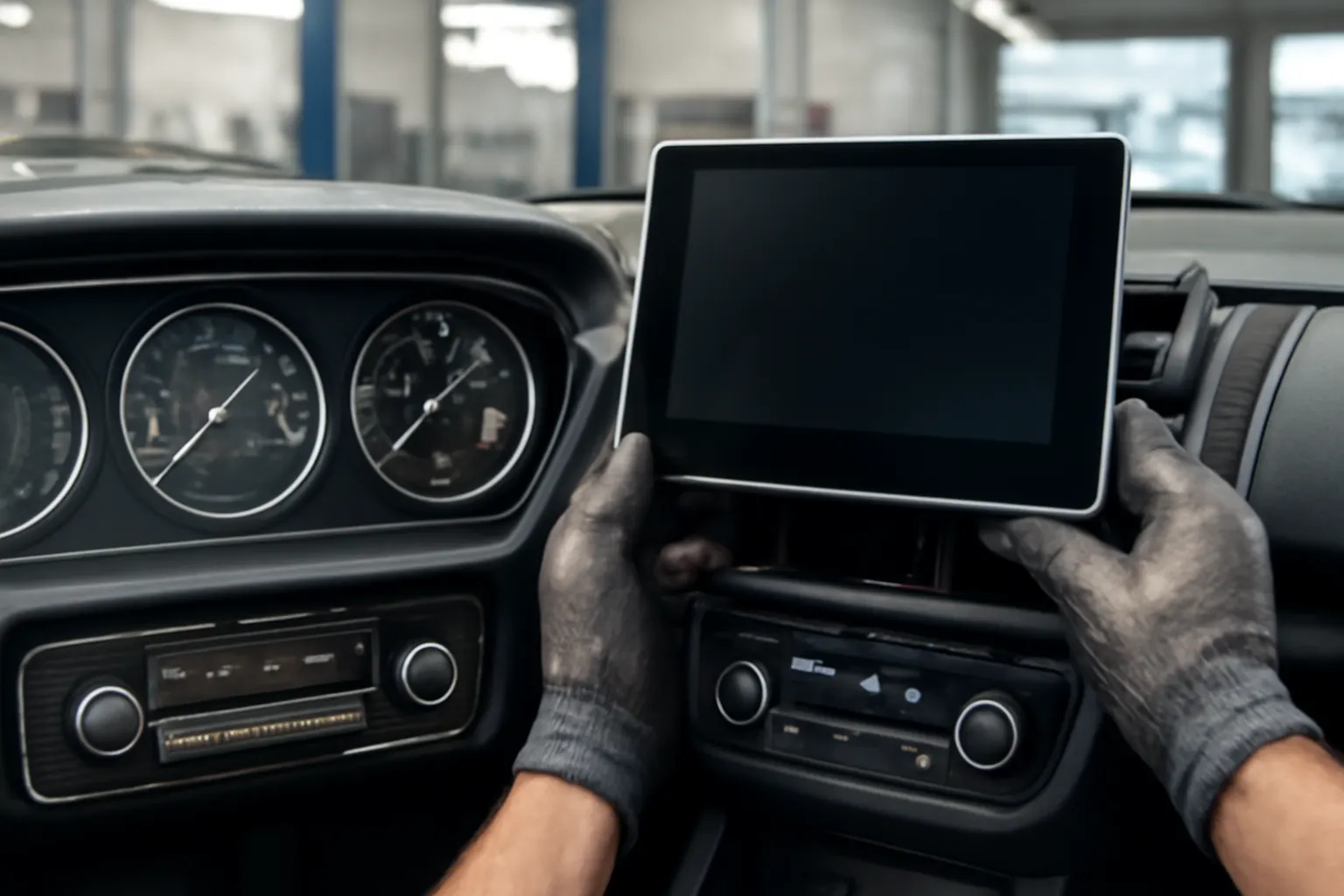
Replacing or Upgrading Integrated Screens
If your integrated screen fails or you want to upgrade to a newer model, careful planning is required.
OEM vs. Aftermarket Screens
- OEM Screens: Direct replacement, guaranteed compatibility, but often expensive.
- Aftermarket Screens: May offer additional features (Android Auto, CarPlay, better resolution), but can require wiring adapters, programming, and may not support all vehicle functions.
For a deeper comparison, see our editorial: OEM vs Aftermarket GPS Screens: What You Need to Know.
Replacement Checklist
| Step | Action Required |
|---|---|
| Confirm compatibility | Match part number, model year, and trim |
| Disconnect battery | Prevent electrical shorts during removal |
| Remove trim panels | Use plastic pry tools to avoid scratches |
| Unplug connectors | Label connectors for accurate reassembly |
| Install new screen | Secure with factory hardware |
| Reconnect battery | Restore power and check for error messages |
| Program and calibrate | Some screens require dealer-level tools |
| Test all functions | Climate, audio, navigation, and settings |
Advertisement
Programming and Calibration
Many modern screens require programming to pair with the vehicle’s immobilizer, CAN bus, or security systems. This often necessitates dealer-level tools or specialized independent shops with the right equipment.
Sourcing Quality Replacement Parts
When replacing an integrated screen, sourcing quality parts is critical for both function and safety. Here are some tips:
- Buy from reputable suppliers who specialize in your vehicle make and model.
- Verify part numbers against your VIN and current hardware.
- Check for software compatibility; some screens require matching firmware versions.
- Inspect used parts for signs of wear, water damage, or previous repairs.
AutoPartEx offers a curated selection of GPS screens and related components for leading brands like Acura, AMC, and Alfa. Our fitment tools and technical support ensure you get the right part the first time.
Integrated Screens and Vehicle Efficiency
Integrated screens contribute to overall vehicle efficiency in several ways:
- Reduced Wiring and Weight: Fewer physical switches and simpler harnesses lighten the vehicle, which can improve fuel efficiency.
- Adaptive Climate Control: Smart climate algorithms can minimize HVAC load, saving energy.
- Material Advances: Modern materials used in displays are lighter and more durable, as detailed in the Materials Technologies guide.
However, when these systems fail, temporary fixes (like running the HVAC at max via backup controls or using portable fans) can actually reduce efficiency and comfort.
The Evolution of Automotive Displays
Today’s integrated screens are the result of decades of evolution, from analog dials to digital clusters to fully touch-based interfaces. For a historical perspective, see our article on The Evolution of Automotive Displays: From Dials to Touchscreens.
This evolution has brought about:
- Greater Customization: User profiles, themes, and adaptive interfaces.
- Improved Safety: Integration with ADAS (Advanced Driver Assistance Systems).
- OTA Updates: The ability to improve functionality and fix bugs remotely.
But with greater complexity comes greater responsibility for owners and technicians.
Advertisement
Fitment and Compatibility: What to Check Before You Buy
Before purchasing a replacement or upgraded integrated screen, verify these critical fitment points:
Fitment Checklist
- Vehicle Make, Model, and Year: Always check compatibility down to the trim level.
- Screen Size and Resolution: Physical dimensions and pixel count must match dash openings and wiring.
- Connector Type: Different screens may use unique connectors or pinouts.
- Feature Support: Ensure the new screen supports all your vehicle’s features (climate zones, seat heaters, navigation, etc.).
- Software Version: Some screens require matching firmware or OS versions for full functionality.
- Programming Needs: Check if dealer or advanced programming is required after installation.
A mismatch in any of these areas can result in non-functional features, error codes, or even permanent damage to vehicle electronics.
When to Seek Professional Help
While some screen replacements are DIY-friendly, many require advanced tools and technical knowledge. Seek professional help if:
- Your vehicle requires immobilizer or CAN bus pairing.
- You encounter persistent error codes after installation.
- Physical dashboard modifications are needed.
- You’re unsure about wiring or programming steps.
Professional shops have access to dealer-level diagnostic tools, technical service bulletins, and software required for proper integration.
AutoPartEx: Your Partner in Comfort and Connectivity
At AutoPartEx, we understand that integrated screens are now the nerve center of your vehicle’s comfort and convenience. Our experts can help you:
- Diagnose screen and control failures.
- Select the right OEM or aftermarket replacement.
- Access fitment data and installation guides.
- Source related components, from AC Compressors to Air Box/Air Cleaners.
We support both enthusiasts and professional technicians with detailed guides, verified parts, and top-tier customer service—ensuring your vehicle stays comfortable, connected, and safe.
Conclusion: Staying Comfortable in the Digital Age
Integrated screens have revolutionized the way we interact with our vehicles, centralizing control of comfort, audio, and navigation in a single, sleek interface. While they offer unparalleled convenience and efficiency, their complexity means that failures can have wide-ranging consequences. By understanding how these systems work, how to diagnose problems, and how to source and install quality replacements, you can keep your car’s comfort systems running smoothly for years to come.
For more detailed technical resources and the latest in replacement parts, visit our Comprehensive Guide to GPS Screens (See Also Radio or Heater/AC Control).
References
Advertisement