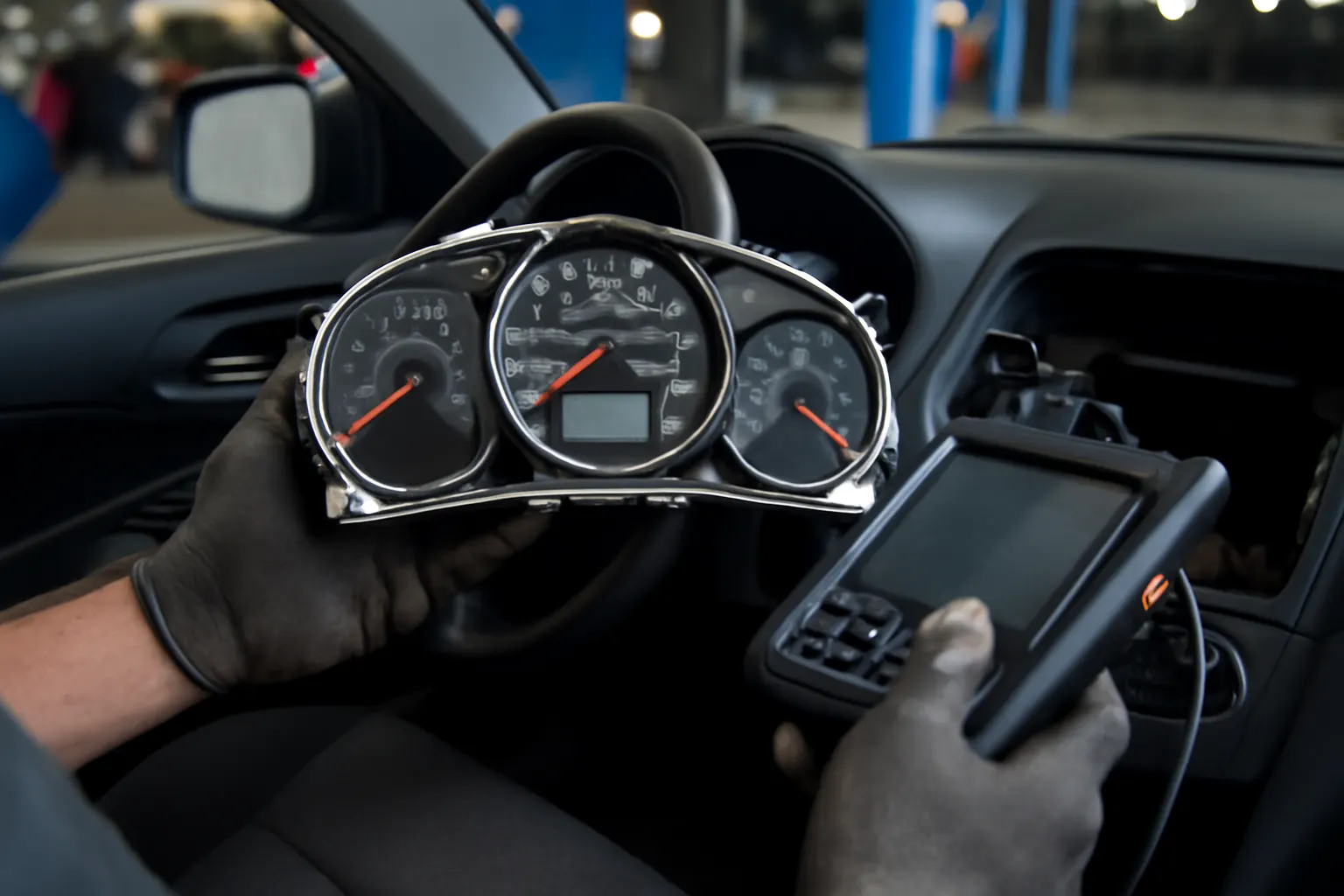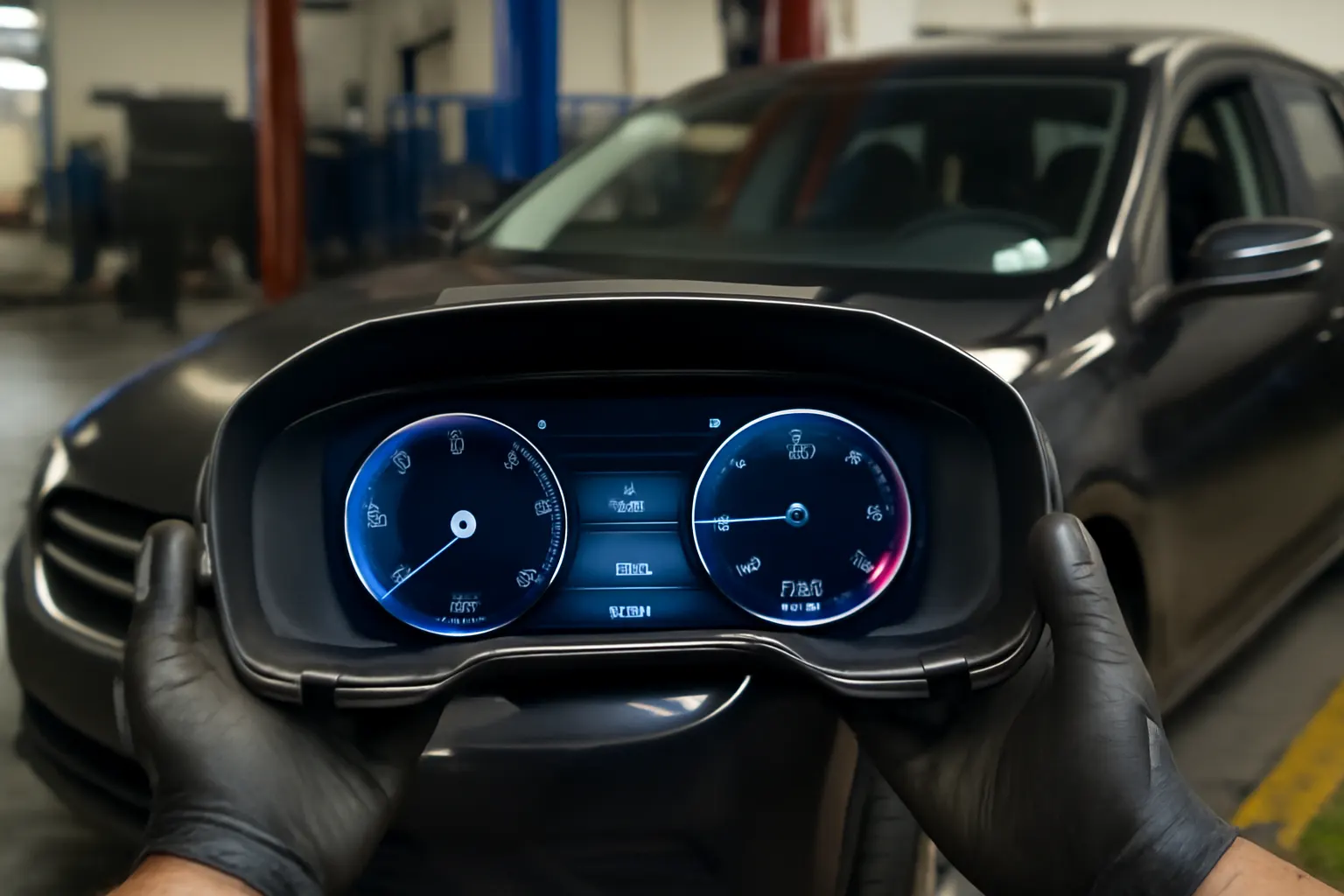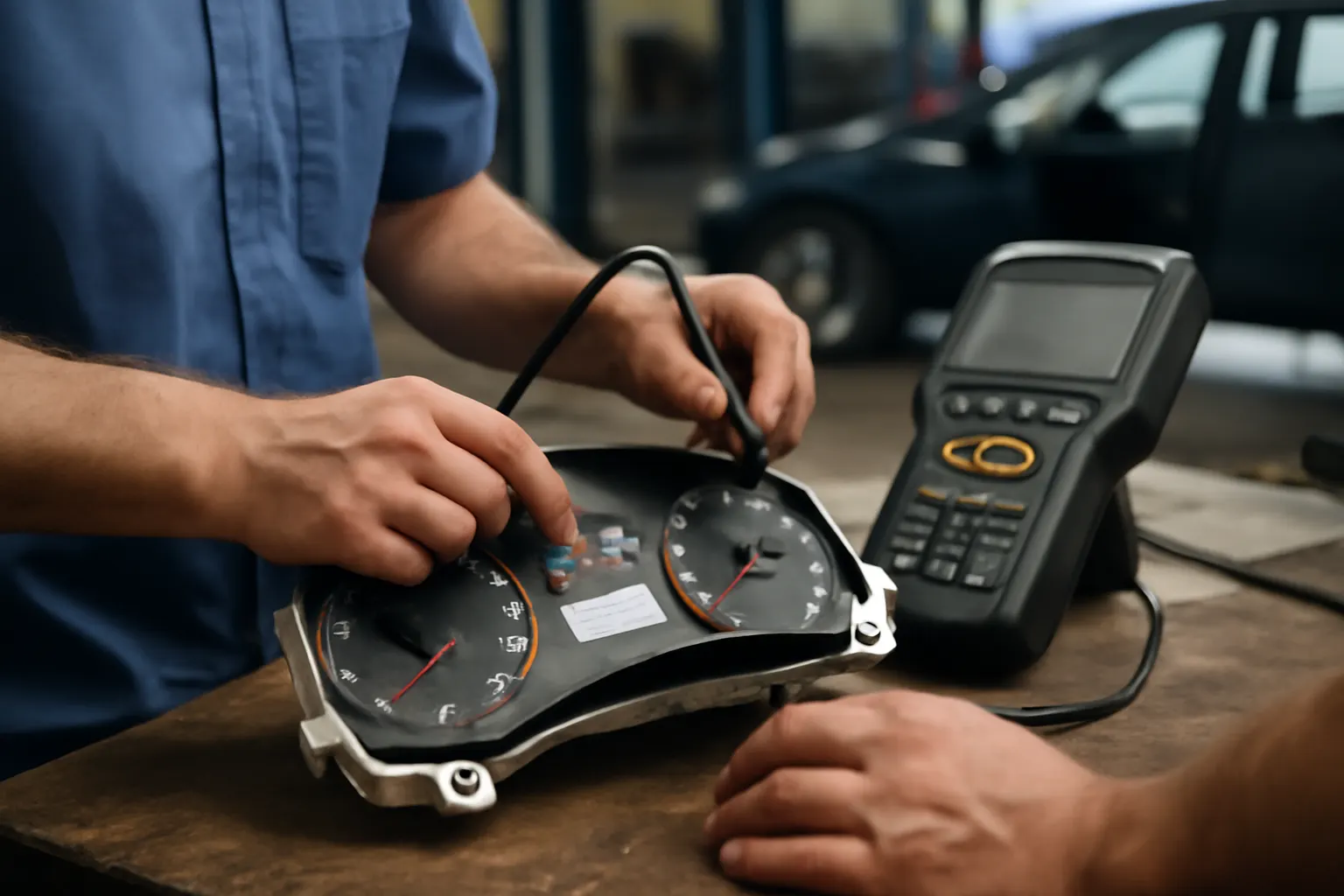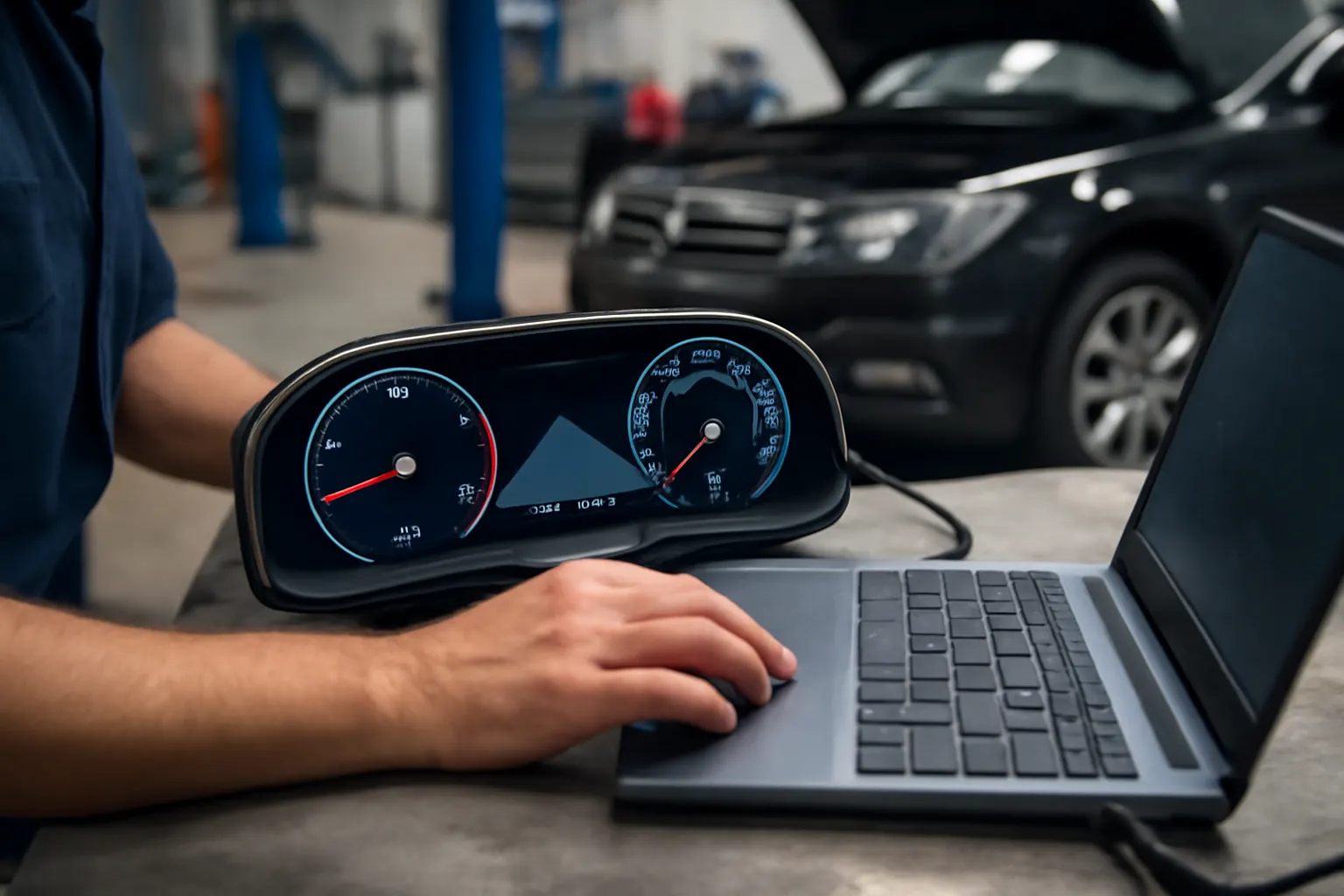
Digital Dashboards: The Future of Instrument Clusters
Digital dashboards—also known as digital instrument clusters—are rapidly redefining the driving experience, providing drivers with unprecedented levels of information, customization, and safety. As vehicles evolve into sophisticated, connected machines, the instrument cluster is no longer just a panel of analog gauges. Instead, it has become the nerve center for diagnostics, driver awareness, and vehicle-system integration. In this deep-dive, we’ll explore how digital dashboards are transforming the automotive landscape, the hidden challenges behind their adoption, the technology powering them, and what you need to know when upgrading or maintaining your vehicle’s digital instrument cluster.
If you’re looking for a comprehensive overview of instrument clusters, visit our Instrument Cluster: The Nerve Center of Vehicle Diagnostics and Driver Awareness category page for foundational knowledge and parts sourcing.
The Immediate Answer: Why Digital Dashboards Matter Now
Digital dashboards are rapidly becoming standard in new vehicles across all segments—from economy cars to luxury SUVs and electric vehicles. These advanced displays replace traditional mechanical gauges with high-resolution screens, offering dynamic, real-time information tailored to both driver preference and vehicle needs.
Key benefits include:
-
Enhanced Visibility: Bright, customizable displays improve readability in all lighting conditions.
-
Integrated Diagnostics: Real-time alerts and system statuses help prevent breakdowns and improve safety.
-
Personalization: Drivers can tailor layouts, color schemes, and displayed data to their preferences.
-
Seamless Integration: Navigation, media, and advanced driver-assistance systems (ADAS) are unified in one interface.
Digital dashboards are not just a cosmetic upgrade—they’re a leap forward in safety, efficiency, and user experience, setting the stage for future innovations like augmented reality and fully autonomous driving.
Hidden Problems: What Lies Beneath the Surface
Despite their advantages, digital dashboards introduce new complexities that vehicle owners, technicians, and enthusiasts must understand. The shift from analog to digital brings challenges in reliability, compatibility, and long-term maintenance.
Common hidden problems include:
- Software Glitches: Firmware bugs or compatibility issues with vehicle control modules can cause display failures or incorrect readings.
- Sensor Integration: Digital clusters rely on accurate data from dozens of sensors; a single faulty input can disrupt the entire display.
- Replacement and Repair Complexity: Unlike analog gauges, digital clusters require specialized diagnostic tools and software to calibrate or replace.
- Security Risks: As digital dashboards connect to vehicle networks, they become potential targets for hacking or data breaches.
Understanding these challenges is critical for anyone considering a digital dashboard retrofit or troubleshooting issues with an existing system.
The Technical Deep Dive: How Digital Instrument Clusters Work
Modern digital instrument clusters are sophisticated systems that blend hardware, software, and vehicle network communication. Here’s a closer look at their core components and functions:
1. Display Technology
Digital clusters typically use TFT-LCD or OLED panels, ranging from 7 inches to over 15 inches in high-end vehicles. These displays offer:
-
High Resolution: Crisp, clear visuals for gauges, maps, and alerts.
-
Variable Brightness: Adaptive lighting for day/night driving.
-
Touch or Haptic Controls (in some models): Allowing direct interaction with the cluster.
2. Control Module
The cluster’s brain is a dedicated microcontroller or embedded processor. It:
-
Processes sensor data: Speed, RPM, fuel, temperature, tire pressure, ADAS alerts, and more.
-
Manages graphics rendering: Ensures smooth transitions and real-time updates.
-
Communicates over CAN/LIN/FlexRay: Integrates with the vehicle’s electronic architecture.
3. Software and User Interface
Automakers use proprietary software stacks to design the look and feel of the cluster. Over-the-air (OTA) updates are increasingly common, allowing for new features or bug fixes without a dealership visit.
4. Sensor and Data Integration
The cluster aggregates data from dozens of sensors—speed sensors, engine control units (ECUs), ADAS modules, and infotainment systems—providing a unified view for the driver.
The Problem Expansion: What’s at Stake with Digital Dashboards?
The move to digital instrument clusters is more than a style upgrade—it’s a paradigm shift in how drivers interact with their vehicles. However, this evolution comes with broader implications for safety, diagnostics, and the aftermarket.
Safety and Regulatory Compliance
The National Highway Traffic Safety Administration (NHTSA) sets standards for vehicle equipment, including display readability, warning indicators, and diagnostic alerts. Digital clusters must comply with these regulations, and software errors can have direct safety implications if critical alerts are missed or misrepresented. See: Vehicle Safety and Equipment
Diagnostic Complexity
Digital clusters are deeply intertwined with vehicle diagnostics. A malfunctioning cluster can:
-
Mask underlying issues (e.g., low oil pressure or overheating)
-
Trigger false positives in diagnostic scans
-
Complicate emissions or safety inspections
Aftermarket and Customization Challenges
Retrofitting or upgrading to a digital dashboard is not as simple as swapping a gauge cluster. Compatibility with vehicle wiring, sensors, and network protocols is critical. Incorrect installation can result in persistent warning lights, loss of functionality, or even vehicle immobilization.
The Solution Path: How to Navigate the Digital Dashboard Landscape
Whether you’re purchasing a new vehicle, considering a retrofit, or maintaining an existing digital cluster, a methodical approach is essential.
Step 1: Understand Your Vehicle’s Architecture
- Consult the Owner’s Manual: Identify the type of cluster installed and its integration points with other vehicle systems.
- Check for OEM vs. Aftermarket Compatibility: Not all digital clusters are cross-compatible, even within the same manufacturer.
Step 2: Assess Your Needs
- Do you need advanced features? (navigation, ADAS integration, performance telemetry)
- Is personalization a priority? (custom layouts, themes, or accessibility features)
- Are you prepared for potential software updates and diagnostic requirements?
Step 3: Evaluate Safety and Regulatory Compliance
- Ensure all warning indicators are present and functional.
- Verify that the cluster meets NHTSA and local safety standards.
Step 4: Plan for Installation or Upgrade
- Professional Installation Recommended: Due to the complexity of wiring, software, and calibration.
- Obtain the right diagnostic tools: OEM scan tools or compatible aftermarket devices are often necessary for coding or adaptation.
Step 5: Prepare for Maintenance and Troubleshooting
- Schedule regular software updates.
- Monitor for firmware recalls or bug fixes.
- Learn basic diagnostic routines for common issues (see checklist below).
Diagnostic Checklist: Troubleshooting Digital Instrument Cluster Issues
A digital dashboard can fail in ways that are unfamiliar to those used to analog gauges. Use this checklist to systematically diagnose common problems:
| Symptom | Possible Cause | Recommended Action |
|---|---|---|
| Blank or Flickering Screen | Power supply issue, blown fuse | Check fuses, wiring, and battery voltage |
| Incorrect Readings | Faulty sensor or software bug | Scan for diagnostic trouble codes (DTCs); update firmware |
| Unresponsive Controls | Software crash or hardware fault | Perform a soft reset; check for software updates |
| Persistent Warning Lights | Communication error, faulty module | Scan vehicle networks; inspect wiring/connectors |
| No Start/Immobilizer Active | Cluster security handshake failed | Reprogram or re-sync cluster with vehicle ECU |
If problems persist, consult a qualified automotive electronics specialist or refer to our Diagnosing Instrument Cluster Failures: Step-by-Step guide for in-depth troubleshooting.
Buying Guidance: What to Look for in a Digital Instrument Cluster
When selecting a replacement or upgrade digital dashboard, consider the following factors:
Compatibility
- Vehicle Make/Model/Year: Digital clusters are rarely universal; always confirm fitment.
- Network Protocols: CAN, LIN, FlexRay, or proprietary systems—ensure the new cluster matches your vehicle’s communication architecture.
- Sensor Integration: Verify that all required sensors (fuel, temperature, ADAS, etc.) are compatible.
Display Quality
- Resolution and Size: Higher resolution displays offer better readability and more information at a glance.
- Brightness and Contrast: Important for visibility in direct sunlight or nighttime driving.
- Durability: Automotive-grade displays are designed to withstand temperature extremes and vibrations.
Feature Set
- Navigation and Infotainment Integration: Some clusters can mirror navigation or media information.
- ADAS Alerts: Integration with lane-keeping, adaptive cruise control, or collision warnings.
- Customization: Ability to personalize layouts, themes, and displayed data.
Support and Updates
- OTA Updates: Futureproof your investment with clusters that support over-the-air software updates.
- Aftermarket Support: Check for available diagnostic tools, firmware updates, and community resources.
Maintenance Essentials: Keeping Your Digital Dashboard Reliable
Digital instrument clusters are more reliable than their analog predecessors in many ways, but they require a proactive maintenance approach:
Regular Software Updates
Manufacturers periodically release firmware updates to fix bugs, improve performance, or add features. Schedule updates during regular service intervals or whenever notified by the manufacturer.
Electrical System Health
- Battery Maintenance: Digital clusters are sensitive to voltage fluctuations; a weak battery can cause erratic behavior.
- Check Fuses and Grounds: Poor electrical connections can mimic or cause display failures.
Environmental Protection
- Avoid Liquid Spills: Digital clusters are sealed, but moisture intrusion can cause irreparable damage.
- Temperature Extremes: While designed for automotive environments, extreme heat or cold can shorten display lifespan.
Diagnostic Scans
- Run periodic scans: Use a scan tool to check for stored DTCs related to the instrument cluster or communication networks.
- Address warning lights promptly: Don’t ignore persistent alerts; they may indicate underlying issues that can escalate.
Installation Guidance: Digital Cluster Retrofit Best Practices
Upgrading an older vehicle to a digital instrument cluster is a complex but rewarding project. Follow these guidelines for a successful retrofit:
1. Research Fitment Thoroughly
- Check community forums and technical bulletins: See if others have performed similar upgrades on your make/model.
- Obtain wiring diagrams: Understanding your vehicle’s existing harness is critical.
2. Source Quality Parts
- Prefer OEM or reputable aftermarket suppliers: Avoid generic or poorly-documented clusters.
- Inspect for damage: Used clusters should be free of cracks, dead pixels, or water intrusion.
3. Prepare for Coding and Calibration
- Most digital clusters require coding: This ensures proper communication with the vehicle’s immobilizer, sensors, and ECUs.
- Professional tools may be necessary: Some clusters can only be coded with OEM dealer equipment.
4. Test All Functions Before Closing Up
- Verify all gauges, warnings, and indicators: Ensure nothing is missing or malfunctioning.
- Test in a variety of lighting conditions: Check for readability in sunlight and darkness.
For a deeper look at integrating digital clusters with other vehicle systems, see our guide: Integrating Instrument Clusters with Modern Vehicle Systems.
Future Trends: Where Are Digital Dashboards Headed?
Digital dashboards are evolving rapidly, driven by advances in materials, display technology, and software. Here’s what’s on the horizon:
Augmented Reality (AR) Integration
Next-generation clusters will overlay navigation, hazard warnings, and ADAS information directly onto the driver’s view, reducing distraction and improving reaction times.
Haptic and Voice Controls
Touch and gesture controls are becoming more common, while voice-activated interfaces allow hands-free operation of cluster functions.
Customizable and Context-Aware Displays
Clusters will adapt to driving conditions—displaying critical information during spirited driving, or simplifying the interface during relaxed cruising.
Lightweight and Sustainable Materials
Driven by fuel efficiency and environmental goals, digital clusters are increasingly built with lightweight, recyclable materials. See: Materials Technologies
Digital Dashboards and Fuel Efficiency
While digital dashboards themselves don’t directly improve fuel economy, they play a crucial role in driver feedback. Real-time efficiency indicators, eco-driving prompts, and predictive navigation help drivers adopt fuel-saving habits.
Key points:
-
Instant MPG readouts: Allow drivers to adjust throttle and gear selection in real time.
-
Eco Coaching: Some clusters provide tips or gamify efficient driving.
-
Integration with hybrid/electric systems: Show battery status, regeneration, and energy flow, supporting optimal use of electrified drivetrains.
For more on how vehicle technology supports fuel efficiency, visit the United States Department of Energy’s Fuel Efficiency resource.
Security and Reliability: Protecting the Digital Nerve Center
As digital dashboards become more connected, cybersecurity is a growing concern. Vulnerabilities in the instrument cluster can expose the vehicle to hacking or data theft.
Best Practices for Security
- Apply software updates promptly: Many updates fix security vulnerabilities.
- Be cautious with aftermarket modifications: Only install trusted hardware and software.
- Monitor for recalls: The NHTSA provides recall information for clusters and related equipment. See: Vehicle, Car Seat, Tire, and Equipment Recalls
Reliability Considerations
- Redundant systems: Some clusters have backup power or secondary displays for critical warnings.
- Fail-safe modes: If a cluster fails, key safety alerts may be routed to a secondary display or via audible warnings.
When to Repair vs. Replace Your Digital Instrument Cluster
Digital clusters are durable, but failures do occur. Deciding whether to repair or replace depends on the nature of the fault, cost, and availability of parts.
Common Repairable Issues
- Software bugs: Often resolved by updates or reprogramming.
- Minor display issues: Dead pixels or backlight failures can sometimes be repaired by specialists.
When Replacement Is Necessary
- Severe hardware failure: Cracked screens, water damage, or mainboard faults usually require full replacement.
- Obsolete components: If replacement parts are unavailable, upgrading to a newer cluster may be the only option.
For a detailed comparison, see our editorial: When to Repair vs. Replace Your Instrument Cluster.
AutoPartEx: Your Partner in the Digital Dashboard Revolution
At AutoPartEx, we’re committed to helping drivers, enthusiasts, and repair professionals navigate the complexities of modern instrument clusters. From sourcing high-quality digital dashboards to providing step-by-step installation guides and diagnostic resources, our platform is built for the next generation of automotive technology.
Whether you’re upgrading for style, seeking improved diagnostics, or maintaining your vehicle’s cutting-edge systems, trust AutoPartEx for the expertise and parts you need. Explore our extensive Instrument Cluster: The Nerve Center of Vehicle Diagnostics and Driver Awareness category for the latest in digital dashboard technology, OEM and aftermarket options, and technical support.