Advertisement
How Info Screens Integrate with Modern Vehicle Systems
Modern vehicles have evolved into complex digital ecosystems, with info screens standing at the very center of this transformation. Today’s info screens are much more than just touch displays—they are the primary user interface for navigation, climate control, safety systems, and multimedia functions. If you want to understand how your vehicle’s info screen interacts with everything from your air conditioning to your advanced driver assistance systems (ADAS), this is the comprehensive guide you need.
For those new to the world of integrated vehicle electronics, Info Screen Systems: The Nerve Center of Modern Vehicles is an essential primer. In this article, we go deeper, revealing how info screens serve as the control hub for a growing array of interconnected automotive modules, the technical challenges of integration, and what you need to know about diagnosis, upgrades, and maintenance.
The Immediate Answer: Info Screens as the Vehicle’s Command Center
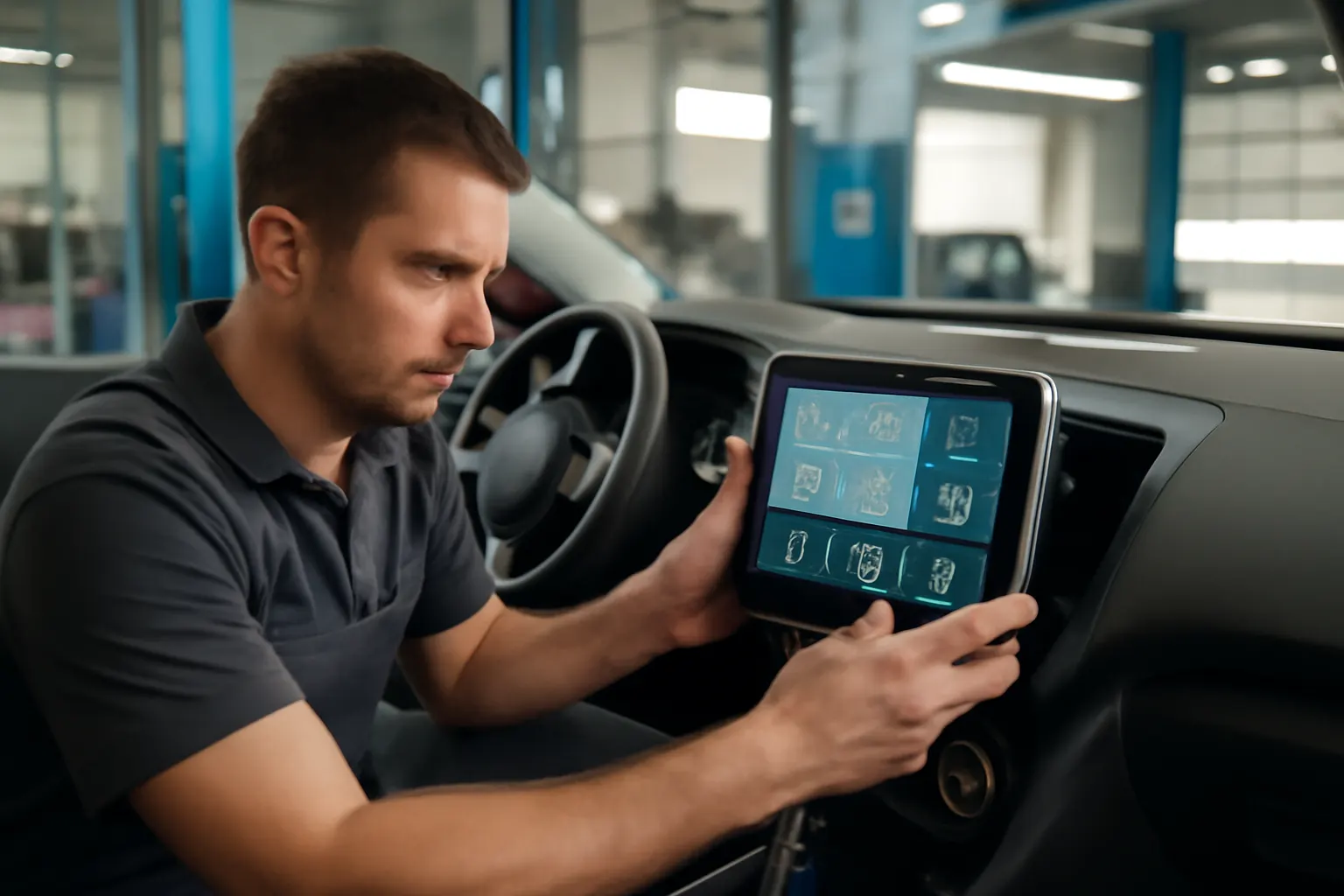
The info screen in your car is now the main interface for a multitude of systems. It provides real-time feedback and control for:
- Navigation and GPS
- Climate and HVAC (Heating, Ventilation, Air Conditioning)
- Audio and multimedia
- Safety alerts (lane departure, collision warning, tire pressure)
- Vehicle diagnostics and status
- Smartphone integration (Apple CarPlay, Android Auto)
This deep integration streamlines driver interaction, reduces dashboard clutter, and enables rapid access to critical information. With a single touch, you can adjust cabin temperature, check your route, or view safety warnings—all through the info screen.
The Hidden Problem: Complex Integration Brings New Challenges
While info screens offer convenience and advanced functionality, their integration with critical vehicle modules introduces new technical and maintenance challenges. Unlike standalone radios or analog climate controls, modern info screens are tied into the vehicle’s CAN (Controller Area Network) bus and may interact with dozens of ECUs (Electronic Control Units).
This means:
- A fault in the info screen can disrupt multiple systems simultaneously.
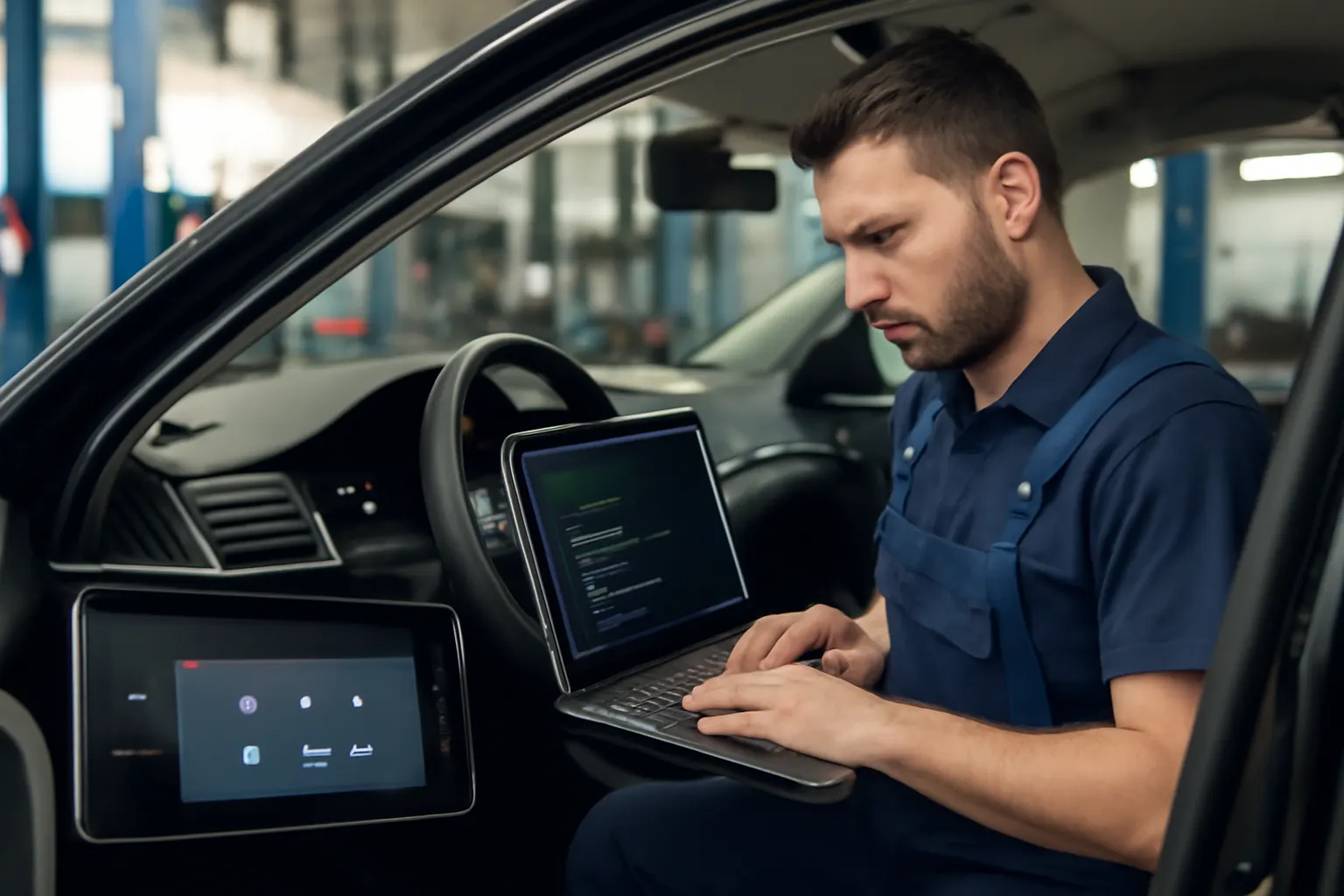
- Diagnosing issues often requires advanced scan tools and knowledge of vehicle networking.
- Replacement or upgrade of the info screen is rarely plug-and-play—compatibility and programming are essential.
As a result, owners and technicians must approach info screen maintenance and upgrades with careful planning and awareness of system dependencies.
Expanding the Problem: The Depth of Modern Integration
Navigating the Digital Ecosystem
Today’s info screens are not isolated gadgets—they are nodes in a complex network. Consider these integration points:
- Navigation & Telematics: The info screen pulls map data from a navigation ECU, overlays live traffic from telematics modules, and may even display turn-by-turn directions in the instrument cluster.
- Climate Control: Instead of physical knobs, climate settings are adjusted via the screen, which communicates with the AC Compressor, AC Condenser, and related HVAC modules.
- Safety Systems: Modern screens display alerts from ADAS sensors, including lane keeping, blind spot monitoring, and collision warnings. These alerts must be timely and unambiguous for safety compliance.
- Vehicle Diagnostics: The info screen may provide access to tire pressure, oil life, battery status, and even detailed fault codes.
The Interdependence of Systems
Because these systems are interconnected:
- A malfunctioning info screen can mask or misreport safety-critical warnings.
- Updates to one module (e.g., a navigation map update) can affect others (e.g., route-based climate preconditioning).
- Diagnostic procedures must now include both hardware and software checks across multiple ECUs.
The Technical Backbone: How Info Screens Communicate
Vehicle Networks: CAN, LIN, and Beyond
At the heart of integration is the vehicle’s data network. Most modern vehicles use a combination of:
- CAN Bus (Controller Area Network): The primary backbone for critical modules, including engine, transmission, braking, and safety systems.
- LIN Bus (Local Interconnect Network): Used for lower-priority functions, such as seat adjustment or mirror control.
- Ethernet and MOST (Media Oriented Systems Transport): Increasingly used for high-bandwidth applications, such as infotainment and video feeds.
The info screen acts as a gateway, receiving data from various modules and presenting it in a user-friendly format. For example, when you adjust the temperature on the screen, a CAN message is sent to the HVAC ECU, which in turn controls the compressor and fan speed.
Advertisement
Software Integration and Over-the-Air Updates
Modern info screens are powered by embedded operating systems—often Linux, QNX, or proprietary platforms. These systems manage:
- Graphical user interface (GUI) rendering
- Touch and voice input processing
- Secure communication with vehicle ECUs
- Over-the-air (OTA) software updates
OTA updates allow manufacturers to add features, fix bugs, or patch security vulnerabilities without a dealership visit. However, these updates can also introduce new compatibility issues if not thoroughly tested.
Integration with Navigation and Telematics
How Navigation Data Flows
The navigation system’s ECU generates map data, GPS coordinates, and route guidance. This data is transmitted via the vehicle network to the info screen, which displays maps and directions. In advanced systems, the info screen may also:
- Show real-time traffic from cellular or satellite telematics modules
- Integrate with ADAS to provide route-based speed recommendations
- Display navigation prompts in the instrument cluster or heads-up display (HUD)
Telematics and Remote Services
Telematics modules add another layer of integration:
- Remote start, lock/unlock, and vehicle status via smartphone apps
- Stolen vehicle tracking and emergency services (e.g., eCall)
- Data sharing with OEM servers for diagnostics and maintenance reminders
The info screen serves as the interface for these features, requiring secure authentication and robust software to prevent unauthorized access.
Climate Control Integration: From Knobs to Touch
Digital HVAC Management
Most new vehicles have shifted climate controls to the info screen, reducing physical buttons and improving design flexibility. The screen communicates with:
- AC Compressor: Controls cooling cycles
- AC Condenser Fan: Adjusts airflow based on cabin temperature
- Sensors: Monitors interior/exterior temperature, humidity, and sunload
This integration allows for:
- Precise temperature zoning (driver/passenger)
- Automated climate adjustments based on navigation (e.g., pre-conditioning cabin before arrival)
- Energy-saving strategies, especially in electric vehicles
Diagnostic Implications
When climate controls fail, the root cause may be the info screen, the HVAC module, or the communication link between them. Troubleshooting requires:
- Checking for software updates or resets
- Verifying CAN/LIN network integrity
- Inspecting related actuators and sensors
Safety Module Integration: Alerts and Compliance
Displaying Critical Alerts
The info screen is now the primary display for safety alerts, including:
- Lane departure and collision warnings
- Blind spot and cross-traffic alerts
- Tire pressure monitoring
- Airbag and seatbelt status
These alerts must be visually and audibly distinct, complying with safety regulations such as those outlined by the National Highway Traffic Safety Administration (NHTSA).
The Role in Diagnostics and Recalls
If the info screen fails to display a critical alert, the vehicle may be non-compliant with safety standards, potentially triggering a recall. The NHTSA maintains a recalls database where such issues are documented.
Multimedia and Smartphone Integration
Connecting Your Digital Life
Info screens are the hub for:
- Bluetooth hands-free calling and audio
- Apple CarPlay and Android Auto
- Streaming services and app integration
This requires compatibility with evolving mobile operating systems and frequent software updates.
User Experience and Safety
Automakers must balance rich multimedia features with driver distraction concerns. User interface design, responsiveness, and voice control all play a role in safe operation.
Diagnosing Info Screen Integration Issues: A Step-by-Step Checklist
When an info screen fails or behaves erratically, use this structured diagnostic approach:
Info Screen Integration Diagnostic Checklist
-
Visual Inspection
- Check for physical damage or moisture ingress.
- Verify all connectors are secure.
-
Power and Ground
- Confirm proper voltage at the screen’s power supply.
- Inspect fuses and relays.
-
Network Communication
- Use a scan tool to check for CAN/LIN errors.
- Look for lost communication codes with key modules.
-
Software and Firmware
- Verify software version; check for available updates.
- Attempt a reset or safe-mode boot.
-
Function-Specific Testing
- Test navigation, climate, audio, and safety alerts individually.
- Note which functions fail—this can pinpoint the affected module or network.
-
Module Programming
- If replacing, ensure the new screen is properly coded to the vehicle.
- Adaptations or parameter resets may be required.
-
Consult Technical Resources
- Refer to OEM service information and TSBs (Technical Service Bulletins).
- Check the NHTSA recalls database for known issues.
Advertisement
- Professional Evaluation
- If in doubt, consult a dealer or specialist with advanced diagnostic tools.
For a more detailed walkthrough, see our guide on Diagnosing Info Screen Failures: Step-by-Step.
Installation and Replacement: Fitment and Compatibility Concerns
OEM vs. Aftermarket Info Screens
When replacing a failed or outdated info screen, you face a critical choice:
- OEM (Original Equipment Manufacturer): Guarantees compatibility and retains all features, but may be more expensive.
- Aftermarket: Offers customization and cost savings, but may lack full integration or require additional adapters.
Learn more about the differences in OEM vs Aftermarket Info Screens: What You Need to Know.
Programming and Coding
Unlike simple plug-and-play radios of the past, modern info screens often require:
- VIN-specific coding
- Security unlocking (anti-theft)
- Network adaptation to recognize all modules
Failure to program the screen correctly can result in loss of critical functions or warning lights.
Fitment Checklist
Info Screen Replacement Fitment Checklist
- Confirm year, make, model, and trim compatibility
- Verify network architecture (CAN, LIN, etc.)
- Check for required adapters or harnesses
- Ensure proper software version or update path
- Plan for module coding or dealership programming if needed
Maintenance and Software Updates
Keeping Systems Current
Regular software updates are essential for:
- Security (patching vulnerabilities)
- Feature enhancements (new apps, improved navigation)
- Bug fixes (addressing known glitches)
Manufacturers may release updates via USB, SD card, or OTA (over-the-air) downloads. Always follow OEM instructions to avoid “bricking” the screen.
Preventive Care
- Keep the screen clean (use non-abrasive cleaners)
- Avoid exposure to direct sunlight for prolonged periods
- Monitor for early signs of lag, freezing, or display artifacts
Integration and Vehicle Safety: Regulatory Implications
Compliance with Safety Standards
The NHTSA mandates that safety-critical alerts be visible and unambiguous. An info screen that fails to display a warning (e.g., airbag fault) puts the vehicle out of compliance and may endanger occupants.
- Always verify that all safety warnings are functional after any repair or replacement.
- If you receive a recall notice related to the info screen or safety modules, address it immediately.
Impacts on Recalls
As integration deepens, more recalls are triggered by software and network issues than by hardware faults alone. Regularly check the NHTSA recalls database for updates affecting your vehicle.
Fuel Efficiency, Energy Management, and Info Screen Roles
Energy-Saving Features
Modern info screens don’t just display information—they actively help manage energy use. For example:
- Eco-driving feedback: Visual cues to optimize throttle and braking.
- Climate management: Adjusts AC Compressor settings based on route, weather, and occupancy.
- Electric vehicles: Displays battery status, range, and charging options.
These features align with Department of Energy recommendations for maximizing fuel efficiency.
Diagnostic and Maintenance Prompts
Info screens also notify drivers of maintenance needs—oil changes, tire pressure, or filter replacements—improving vehicle longevity and efficiency.
Cybersecurity and Future-Proofing
Growing Attack Surface
As info screens become gateways for smartphone apps, remote services, and OTA updates, they also become potential targets for cyberattacks. Protecting the vehicle’s network is now a top priority for automakers.
- Always install official software updates.
- Beware of unauthorized modifications that could compromise security.
For more on this evolving topic, see Future Trends: Info Screens and Automotive Cybersecurity.
AutoPartEx: Your Partner in Info Screen Solutions
At AutoPartEx, we understand the critical role info screens play in modern vehicles. Whether you’re diagnosing an integration issue, sourcing a replacement, or planning an upgrade, our expert resources and extensive parts catalog ensure you get the right fit for your vehicle.
- Access OEM and high-quality aftermarket info screens
- Detailed fitment guides and technical support
- Trusted by technicians and DIYers nationwide
Explore our full range of info screen solutions in the Info Screen Systems: The Nerve Center of Modern Vehicles category.
Conclusion: Mastering the Modern Info Screen
Info screens are no longer optional luxuries—they are the nerve center of the modern vehicle, integrating navigation, climate, safety, and multimedia into a single, powerful interface. With deep system interconnections come new opportunities for convenience and efficiency, but also new challenges in diagnosis, replacement, and security.
By understanding the technical foundations and following best practices for maintenance and upgrades, you can ensure your vehicle’s info screen remains a reliable, user-friendly command center for years to come.
References
Advertisement