Advertisement
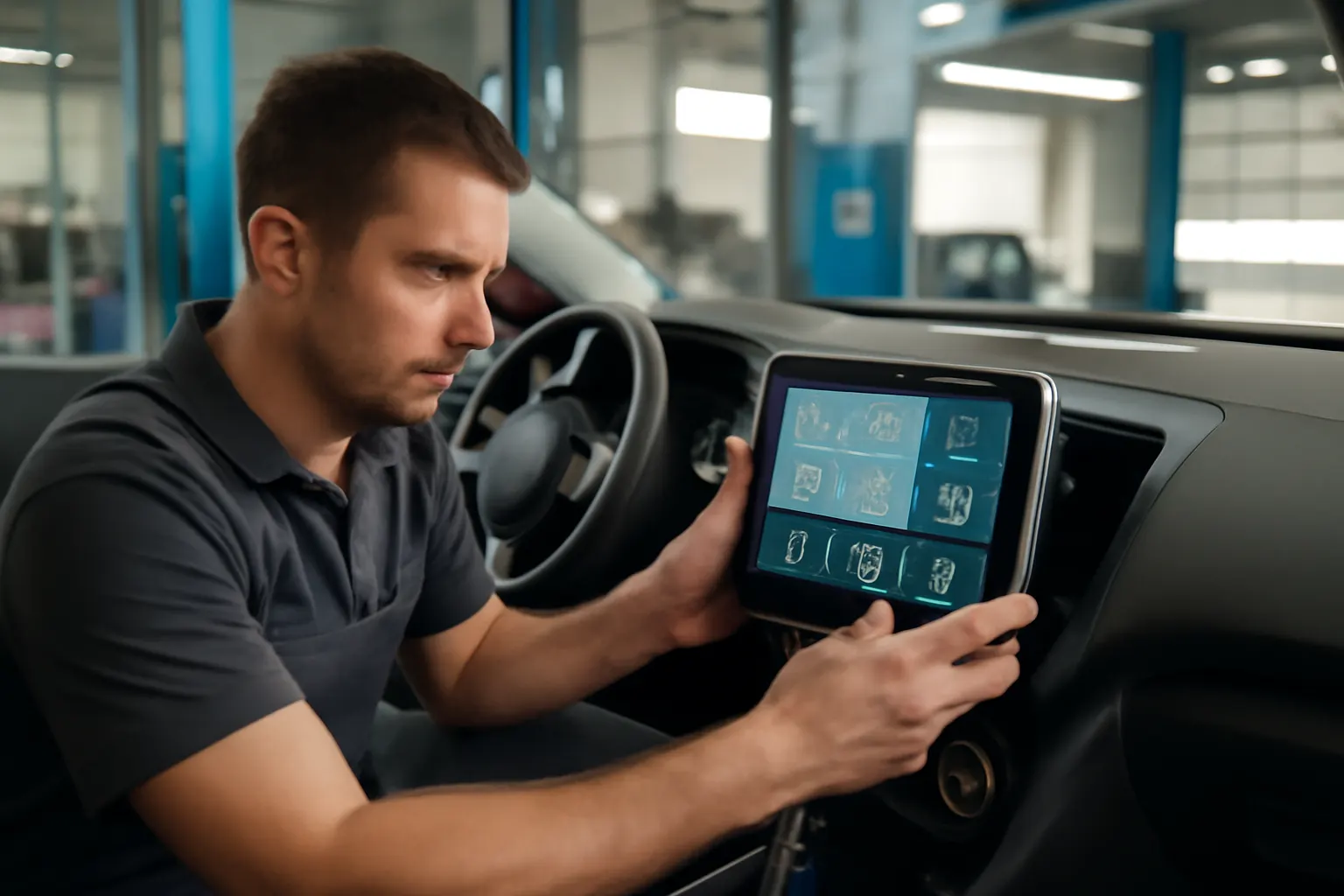
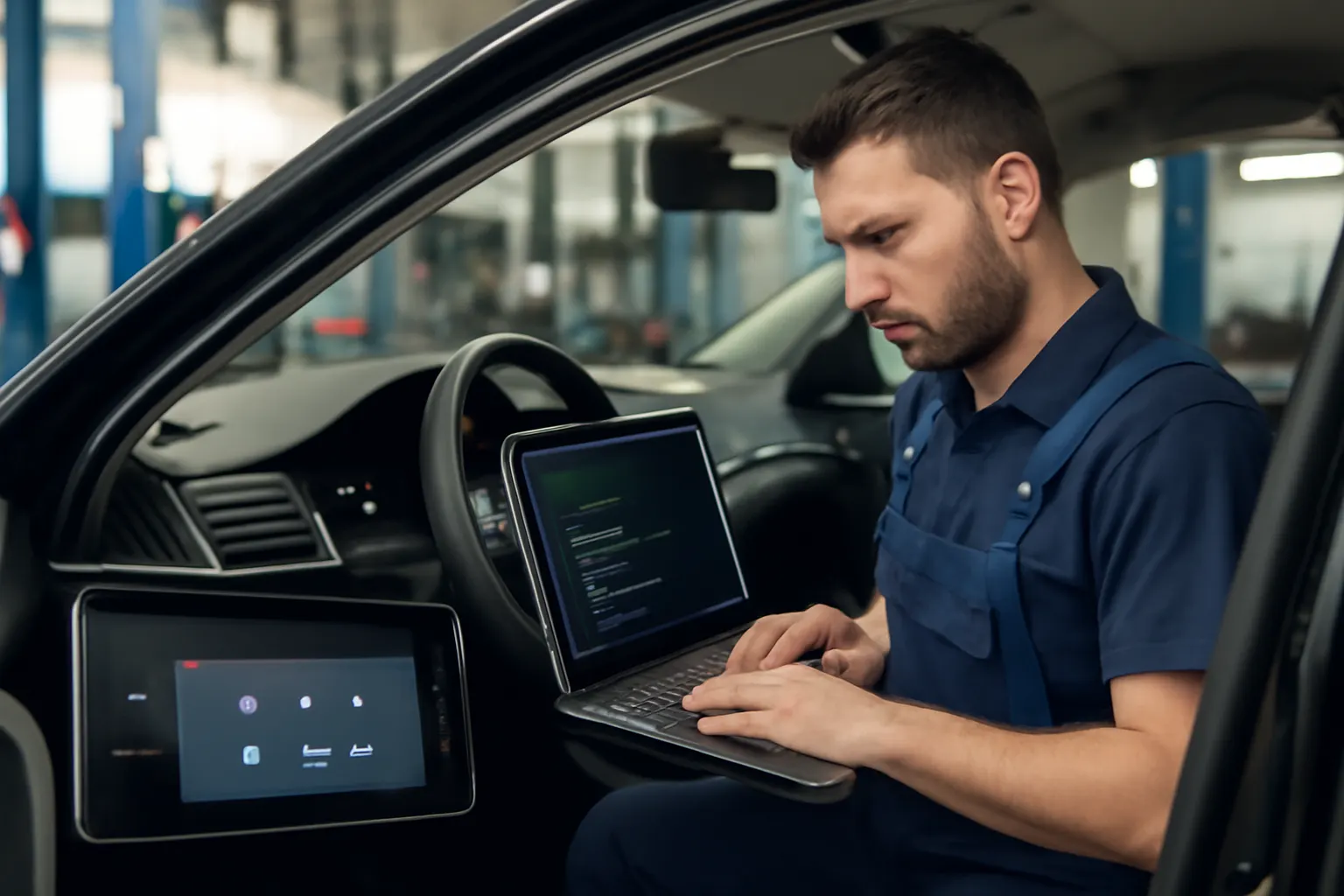
Modern vehicles rely on info screens—also known as infotainment displays, touchscreens, or digital instrument clusters—as the primary interface for navigation, climate control, safety alerts, entertainment, and vehicle diagnostics. These screens are not just displays; they are deeply integrated with the car’s electronic control units (ECUs), sensor networks, and communication buses. This article explores how info screens serve as the nerve center of contemporary vehicles, connecting and controlling critical systems. If you’re considering upgrades, troubleshooting, or simply want to understand your car’s technology, this comprehensive guide will demystify the integration of info screens with navigation, climate, and safety modules.
For a broad overview of the role info screens play in automotive technology, see Info Screen Systems: The Nerve Center of Modern Vehicles.
Info Screens: The Immediate Integration Answer
Today’s info screens are far more than entertainment portals. They are the user’s point of access to a complex web of interconnected vehicle modules. Through one high-resolution touchscreen, drivers control navigation, adjust climate settings, monitor fuel efficiency, respond to safety warnings, and even manage advanced driver-assistance systems (ADAS). This integration is achieved via a combination of hardware (screens, sensors, ECUs) and software (operating systems, apps, communication protocols) that work together seamlessly.
Key Integration Points:
- Navigation: GPS, real-time traffic, and route planning displayed and managed via the info screen.
- Climate Control: Temperature, airflow, and seat heating/cooling settings adjusted on-screen.
- Safety Systems: Warnings for lane departure, collision avoidance, and tire pressure shown with visual and audible alerts.
- Vehicle Health: Diagnostic trouble codes (DTCs), maintenance reminders, and fuel efficiency data presented in real time.
The Hidden Problem: Complexity and Interdependence
While the seamless operation of info screens appears effortless, their integration with multiple vehicle systems brings hidden challenges. Modern cars often contain dozens of ECUs networked via Controller Area Network (CAN) bus or other communication protocols. The info screen must interpret, prioritize, and display data from these diverse sources without delay or error.
Potential Issues:
- System Failures: A malfunction in one module (e.g., climate control ECU) can cascade to affect info screen functionality.
- Software Updates: Over-the-air (OTA) updates for infotainment systems may disrupt integration with legacy vehicle modules.
- Diagnostic Complexity: Troubleshooting requires specialized tools and knowledge of both hardware and software architecture.
Deeper Technical Explanation: How Integration Works
Centralized Control through ECUs and CAN Bus
At the heart of integration is the vehicle’s network of ECUs. Each major system—engine, transmission, climate, safety, entertainment—has its own dedicated ECU. The info screen’s head unit is itself an ECU, often with more processing power than older PCs.
- CAN Bus: The Controller Area Network is the standard protocol for inter-ECU communication, transmitting data packets rapidly and reliably throughout the vehicle.
- Gateway Modules: These act as translators between different networks (e.g., CAN, LIN, FlexRay), ensuring the info screen can access data from all vehicle domains.
Software Layers and User Interface
The info screen runs a specialized automotive operating system—such as QNX, Android Automotive, or proprietary OEM software. This OS manages:
-
Graphical User Interface (GUI): Touch, voice, and haptic controls.
-
App Integration: Navigation, media, phone connectivity, and vehicle-specific apps.
-
Security: Isolating critical functions (like safety alerts) from entertainment or third-party apps.
Advertisement
Data Flow Example
When you adjust the cabin temperature:
-
The info screen sends a command via CAN bus to the climate ECU.
-
The climate ECU actuates the necessary hardware (e.g., AC Compressor, fans, vents).
-
The climate ECU confirms the action and sends real-time feedback (current temperature, airflow) for display on the screen.
Integration with Navigation Systems
Navigation is among the most complex integrations, requiring real-time data from multiple sources:
-
GPS Receiver: Provides vehicle location.
-
Map Database: Stored locally or accessed via cloud services.
-
Traffic and Route Data: Pulled from cellular or satellite connections.
-
Sensor Fusion: Inputs from wheel speed sensors, gyros, and accelerometers improve accuracy, especially in tunnels or urban canyons.
How Info Screens Enhance Navigation:
- Turn-by-Turn Directions: Displayed with real-time map updates.
- Heads-Up Display (HUD) Integration: Projects critical info onto the windshield.
- Voice Guidance: Synced with on-screen prompts for safer driving.
Climate Control: Digital Comfort Management
Modern climate control modules are fully integrated with info screens for precision and convenience. Traditional rotary dials are replaced or supplemented by digital sliders, touch buttons, and visual feedback.
Integration Features:
- Zoned Control: Set different temperatures for driver, passenger, and rear seats.
- Smart Algorithms: Automatic adjustments based on sunlight, humidity, and occupancy sensors.
- Remote Operation: Use your smartphone or key fob to precondition the cabin before entering.
Hardware Integration Example: The AC Compressor Bracket and related components are monitored and controlled through the climate ECU, with real-time status shown on the info screen.
Safety and ADAS: The Critical Link
Safety integration is where info screens truly become the nerve center. They provide the user interface for advanced driver-assistance systems (ADAS):
- Lane Departure Warning: Visual and audio alerts on the info screen.
- Blind Spot Monitoring: Illuminated icons or animations.
- Collision Avoidance: Pop-up warnings and emergency instructions.
- Tire Pressure Monitoring (TPMS): Real-time pressure data and alerts.
The National Highway Traffic Safety Administration emphasizes the importance of clear, timely alerts for all safety-related equipment. The info screen is the mandated point of user notification for many federal safety requirements.
Vehicle Health and Diagnostics
The info screen is increasingly used for diagnostics and maintenance reminders:
-
Check Engine Light: Detailed explanation of trouble codes.
-
Service Reminders: Oil changes, tire rotations, and brake inspections.
-
Recall Notifications: Direct links to NHTSA recall databases.
Diagnostic Workflow Example:
- A sensor detects low tire pressure.
- The info screen displays a TPMS warning, referencing the specific tire.
- The user can access a deeper diagnostic menu for troubleshooting steps.
For a step-by-step guide to troubleshooting info screen failures, see Diagnosing Info Screen Failures: Step-by-Step.
Fuel Efficiency and Eco-Driving Integration
The info screen plays a vital role in promoting fuel-efficient driving, as highlighted by the U.S. Department of Energy:
- Real-Time MPG Display: Shows current and average fuel consumption.
- Eco-Driving Tips: Visual cues for optimal acceleration, braking, and cruising.
- Hybrid/Electric Monitoring: Battery state of charge, regenerative braking status, and energy flow diagrams.
These features help drivers adapt their habits to maximize efficiency and reduce emissions.
Internal Communication: Security and Reliability Concerns
With so many systems interconnected, info screens must manage data securely and reliably. Security concerns include:
-
Data Isolation: Preventing entertainment apps from accessing vehicle control systems.
-
Over-the-Air (OTA) Updates: Ensuring updates do not disrupt safety-critical functions.
-
Redundancy: Backup systems in case of screen or ECU failure.
Advertisement
SAE International’s SAE Standards provide guidelines for testing and validating these systems to ensure safety and reliability.
For more on the security challenges of info screens, read Future Trends: Info Screens and Automotive Cybersecurity.
Installation and Replacement: What to Know
OEM vs. Aftermarket Info Screens:
- OEM (Original Equipment Manufacturer): Designed for specific vehicle models, guaranteed integration with all modules, and compliance with safety standards.
- Aftermarket: May offer more features but require careful compatibility checks—especially for safety and climate modules.
For a detailed comparison, see OEM vs Aftermarket Info Screens: What You Need to Know.
Installation Checklist:
- Verify compatibility with vehicle make, model, and year.
- Ensure support for all integrated modules (navigation, climate, safety).
- Confirm wiring harness and communication protocol (CAN, LIN, etc.).
- Update vehicle software if required.
- Test all connected systems after installation.
Diagnostic and Maintenance Guidance
Proper operation of the info screen is key to safe and enjoyable driving. Follow this checklist to keep your system running smoothly:
Info Screen Diagnostic/Maintenance Checklist
| Task | Frequency | Notes |
|---|---|---|
| Software/Firmware Updates | As available | Use OEM or trusted sources only. |
| Screen Calibration | Annually or after replacement | Avoid misalignment of touch controls. |
| ECU Communication Check | Biannually | Use OBD-II scanner for diagnostics. |
| Physical Cleaning | Monthly | Use non-abrasive, electronics-safe cleaners. |
| System Reboot | As needed | Follow OEM procedures for reset. |
| Inspect for Recalls | Biannually | Check NHTSA recall database. |
Sourcing and Fitment: Getting the Right Info Screen
When replacing or upgrading your info screen, sourcing the correct part is critical. Considerations include:
-
Vehicle Compatibility: Match your vehicle’s make, model, and year.
-
Module Support: Ensure the screen supports all features—navigation, climate, safety, diagnostics.
-
Wiring and Mounting: Confirm harness connectors and mounting brackets.
-
Software Integration: Some screens require a software update or reprogramming for full functionality.
AutoPartEx offers a comprehensive catalog of OEM and high-quality aftermarket info screens for most major manufacturers, including Acura and AMC.
Troubleshooting Common Integration Issues
Integration issues can appear as blank screens, frozen interfaces, lost functionality (e.g., no climate control), or error messages. Here’s a practical troubleshooting sequence:
- Check Fuses and Power Supply: Many info screens have dedicated fuses—inspect and replace as needed.
- Inspect Wiring and Connectors: Look for loose, corroded, or damaged connectors.
- Run Diagnostic Scan: Use an OBD-II scanner to check for communication errors or DTCs.
- Software Reset: Perform a system reset or update firmware/software.
- Module-Specific Checks: If only one function (e.g., navigation) is affected, check the related ECU or sensor.
If problems persist, consult a qualified technician or refer to manufacturer-specific service manuals.
The Future: Evolving Integration and User Experience
Info screen integration is evolving rapidly:
-
Voice and Gesture Control: Reducing driver distraction.
-
Personalization: User profiles for settings, navigation, and entertainment.
-
Advanced Connectivity: Integration with smartphones, smart homes, and cloud services.
-
Enhanced Safety: Augmented reality overlays, real-time hazard alerts.
Staying informed about these trends will help you make better buying, maintenance, and upgrade decisions.
Why AutoPartEx is Your Trusted Info Screen Guide
AutoPartEx is committed to helping vehicle owners and professionals navigate the complexities of modern automotive technology. Our expertise ensures you get the right info screen, fitment advice, and troubleshooting support for your vehicle. We source only from reputable manufacturers and provide in-depth guides for diagnosis, installation, and maintenance.
For more information on info screen systems and their role in your vehicle, visit our Info Screen Systems: The Nerve Center of Modern Vehicles page.
References
Advertisement