
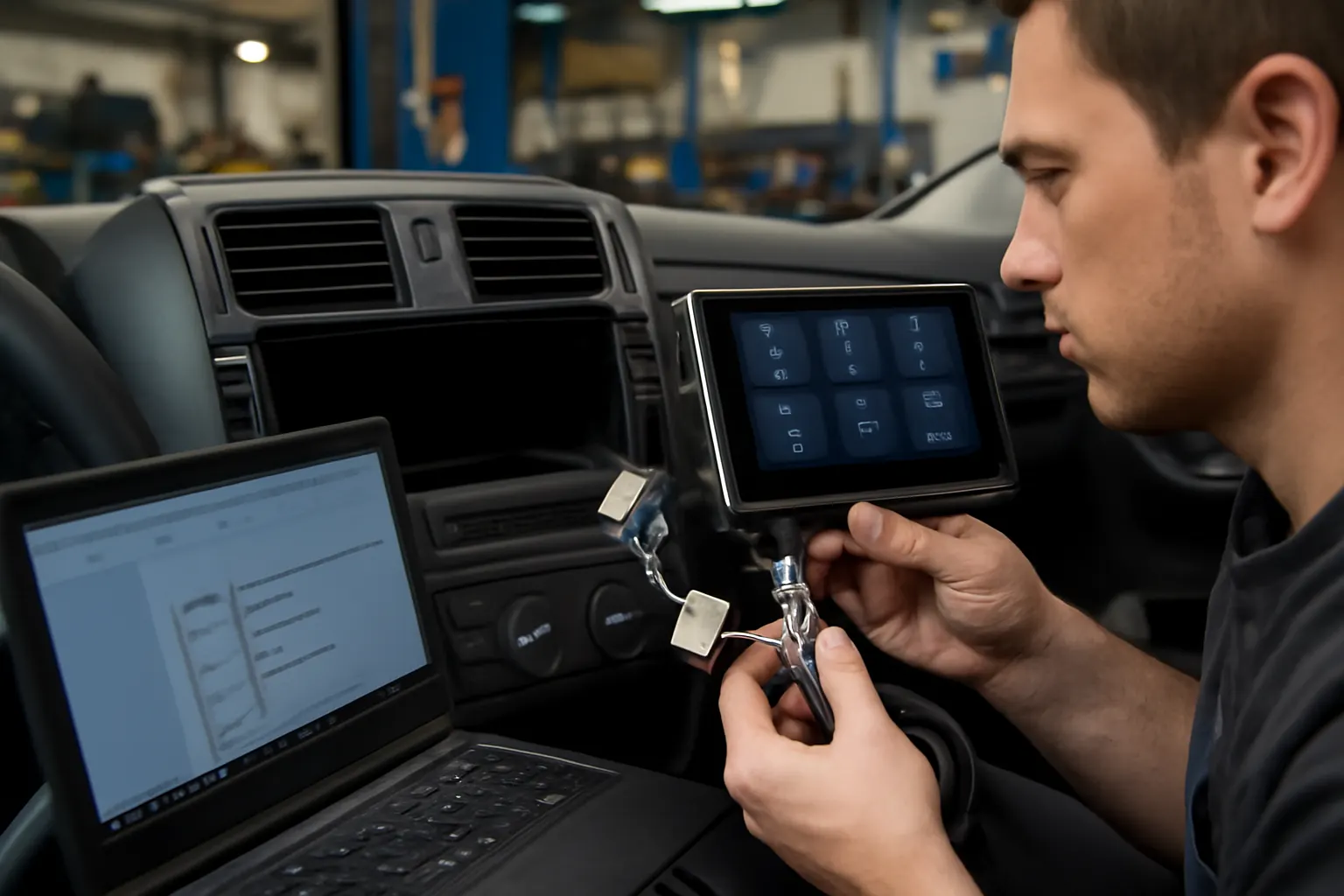
How to Upgrade Your Factory Radio for Modern Features
Upgrading your factory radio or CD unit is one of the most impactful ways to modernize your driving experience, adding features like Bluetooth, navigation, and seamless smartphone integration. Whether you drive a classic sedan or a late-model SUV, integrating a new infotainment system can dramatically enhance both convenience and safety. This comprehensive guide will walk you through the benefits, technical challenges, and expert-recommended steps for upgrading your vehicle’s radio/CD system—empowering you to make informed decisions and achieve a professional-quality installation.
If you’re looking for in-depth technical details, part compatibility, or replacement guidance, be sure to explore our Radio, CD, and Infotainment Control Units: Technical Guide and Replacement Insights for model-specific information.
Why Upgrade Your Factory Radio? Immediate Benefits
Modern vehicles come equipped with infotainment features that make driving safer, more enjoyable, and more connected. If your car is missing Bluetooth hands-free calling, integrated navigation, or support for Apple CarPlay and Android Auto, an upgrade can transform your daily commute. Key benefits include:
- Hands-free communication: Bluetooth integration allows for safer phone calls and audio streaming.
- Navigation: Built-in GPS reduces reliance on smartphones and improves route accuracy.
- Music and media: Stream your favorite music or podcasts directly from your device.
- Vehicle value: A modern infotainment system can enhance resale value and appeal to tech-savvy buyers.
Upgrading your radio/CD unit is not just about luxury—it’s about keeping your vehicle relevant and safe amid changing technology standards.
The Hidden Challenges: What Most DIYers Overlook
While the appeal of a feature-rich head unit is obvious, many vehicle owners underestimate the complexity of upgrading a factory radio. Here’s what can complicate the process:
- Wiring harness compatibility: Modern infotainment systems often require adapters for seamless integration with factory wiring.
- Dashboard fitment: Not all head units fit perfectly into OEM radio slots, especially in vehicles with unique dash contours or integrated climate controls.
- Retaining factory features: Steering wheel controls, backup cameras, and even integrated vehicle diagnostics can be lost if the upgrade isn’t planned carefully.
- Electrical system limitations: Older vehicles may not provide sufficient power or grounding, potentially causing performance or safety issues.
Addressing these challenges early is essential for a successful upgrade that meets both your expectations and safety standards.
Understanding Your Factory System: The Technical Foundation
Before you choose a new infotainment unit, it’s essential to document the specifications of your current system. This includes:
- DIN size: Most head units are single-DIN (2" tall) or double-DIN (4" tall). Measure your factory unit to confirm compatibility.
- Existing features: Identify current integrations—Bluetooth, aux inputs, backup camera, steering wheel controls, etc.
- Wiring diagram: Locate a wiring schematic for your vehicle’s make and model. This is crucial for signal and power mapping.
- Antenna type: Some vehicles use powered or amplified antennas that may need adapters.
A thorough understanding of your starting point ensures you select a compatible upgrade and avoid costly mistakes.
Choosing the Right Head Unit: OEM vs. Aftermarket
When upgrading, you’ll choose between original equipment manufacturer (OEM) units and aftermarket head units. Each has distinct advantages:
- OEM head units: Designed for specific vehicle models, these ensure perfect fitment and retain most factory functions. However, they may lack the latest features and can be costly.
- Aftermarket head units: Offer advanced features, better customization, and typically at a lower cost. Popular brands include Pioneer, Kenwood, Alpine, and Sony.
To dig deeper into this decision, see our guide on OEM vs. Aftermarket: Choosing the Right Head Unit.
Key factors to consider:
- Feature set (Bluetooth, navigation, smartphone integration)
- Display type and size
- Compatibility with your vehicle’s dash and wiring
- Retention of safety features and diagnostics
Safety and Regulatory Considerations
Upgrading your radio isn’t just a matter of convenience; it also involves compliance with safety and equipment regulations. The National Highway Traffic Safety Administration (NHTSA) sets standards for in-vehicle electronics to minimize driver distraction and ensure electrical safety.
Key safety considerations include:
- Secure mounting to prevent dislodgement in a collision
- Proper wiring to avoid short circuits or fire hazards
- Ensuring touchscreens and controls are within safe reach and view
- Retention of essential vehicle alerts and diagnostics
Always follow manufacturer instructions and consult vehicle-specific service manuals to ensure your upgrade meets regulatory and safety standards.
Essential Tools and Parts Checklist
A successful radio upgrade requires the right tools and parts. Here’s a comprehensive checklist to streamline your installation:
Tools
- Trim panel removal tools (plastic to avoid scratches)
- Phillips and flathead screwdrivers
- Socket set and ratchet
- Wire strippers and crimpers
- Soldering iron (optional, for secure connections)
- Multimeter (for voltage and continuity testing)
- Electrical tape and zip ties
Parts
- Replacement head unit (OEM or aftermarket)
- Vehicle-specific dash kit (for proper fitment)
- Wiring harness adapter (matches vehicle to head unit)
- Antenna adapter (if required)
- Steering wheel control interface (if retaining this feature)
- Backup camera adapter (if needed)
- Microphone (for Bluetooth hands-free)
- USB/AUX extension cables
Before starting, verify that all parts are compatible with your vehicle’s make, model, and year.
Step-by-Step Installation Process
A methodical approach is essential for a smooth upgrade. Here’s a high-level overview of the process:
- Disconnect the battery: Prevent electrical shorts and airbag deployment by disconnecting the negative terminal.
- Remove trim panels: Use plastic tools to avoid damaging the dash.
- Unbolt and remove the factory radio: Keep all hardware for reinstallation.
- Compare wiring harnesses: Identify all connections—power, ground, speakers, antenna, and data lines.
- Connect the harness adapter: Match color codes and use crimp connectors or solder for secure joins.
- Install dash kit and brackets: Ensure a flush, secure fit for the new head unit.
- Test all functions: Before final assembly, verify power, sound, Bluetooth, navigation, and steering wheel controls.
- Reassemble the dash: Replace all panels and hardware.
- Reconnect the battery: Power up and perform a final system check.
For more detailed troubleshooting, see our guide on Diagnosing Infotainment System Failures.
Diagnosing Common Upgrade Issues
Even with careful planning, problems can arise during or after installation. Here’s how to diagnose and resolve common issues:
No Power to Head Unit
- Check fuse in the vehicle’s fuse box and inline fuse on the radio’s power line.
- Use a multimeter to verify voltage at the wiring harness.
No Sound or Distorted Audio
- Inspect speaker wire connections for secure, correct polarity.
- Confirm speaker impedance matches the head unit’s specifications.
Lost Steering Wheel Controls
- Ensure the steering wheel control interface is installed and programmed correctly.
- Update firmware if required by the manufacturer.
Backup Camera Not Displaying
- Verify the camera adapter and video input are connected to the correct port.
- Check for software settings within the head unit to enable camera input.
Bluetooth or Navigation Malfunctions
- Ensure the external microphone and GPS antenna are properly placed and connected.
- Update the head unit’s firmware to the latest version.
Systematic troubleshooting ensures your upgraded system functions as intended and avoids unnecessary part replacements.
Retaining Advanced OEM Features
Modern vehicles often integrate infotainment controls with other vehicle systems, such as climate control, vehicle diagnostics, and advanced driver assistance. Losing these features can be a significant drawback of an upgrade.
To retain OEM integrations:
- Use vehicle-specific wiring harnesses and data modules.
- Choose head units compatible with CAN bus or MOST systems.
- Select adapters that support steering wheel controls and factory amplifiers.
- Verify compatibility with diagnostic systems to retain error code reading and system alerts.
For vehicles with advanced infotainment integration, professional installation or consultation with a specialist is recommended.
Selecting Materials and Ensuring Proper Fitment
Material selection is crucial for both aesthetics and durability. The United States Department of Energy highlights the importance of advanced materials for vehicle interiors to reduce weight and improve performance DOE Materials Technologies.
Best practices:
- Use dash kits made from high-quality ABS or polycarbonate plastics for heat and UV resistance.
- Ensure brackets and mounts match OEM specifications to prevent vibration and rattles.
- Avoid cheap adhesives or tapes, as they can degrade and compromise the installation.
A quality fit not only enhances appearance but also prevents long-term wear and noise.
Maintaining System Reliability and Longevity
After installation, ongoing care is essential to maintain the performance and reliability of your upgraded infotainment system.
Maintenance tips:
- Regularly check for software and firmware updates from the head unit manufacturer.
- Periodically inspect wiring connections for corrosion or loosening, especially in humid climates.
- Clean touchscreen surfaces with recommended cleaners to prevent residue buildup.
- Secure loose wires behind the dash to prevent rattling and wear.
Proactive maintenance reduces the risk of intermittent faults and extends the lifespan of your investment.
Considerations for Fuel Efficiency and Electrical Load
Though infotainment upgrades have a minimal direct impact on fuel efficiency, the United States Department of Energy notes that additional electrical load can slightly affect overall vehicle efficiency, especially in hybrid or electric vehicles DOE Fuel Efficiency.
To minimize impact:
- Choose energy-efficient head units with LED displays and Class D amplifiers.
- Avoid excessive use of high-power audio accessories unless your vehicle’s alternator and battery are rated for the load.
- Monitor system voltage if you notice dimming lights or slow engine cranking.
A balanced approach ensures entertainment without sacrificing efficiency.
Sourcing Quality Parts and Avoiding Counterfeits
The proliferation of aftermarket electronics has increased the risk of counterfeit or substandard parts entering the market. The NHTSA emphasizes the importance of using certified, tested components to maintain vehicle safety NHTSA Equipment.
Expert sourcing tips:
- Purchase from reputable suppliers or directly from manufacturers.
- Verify part numbers and certifications (such as FCC ID for wireless devices).
- Avoid deals that seem “too good to be true”—they often are.
- Check customer reviews and installation guides for specific vehicle applications.
Quality parts ensure not only performance but also compliance with safety and regulatory standards.
The Role of Infotainment in Diagnostics and Future Upgrades
Modern infotainment systems often serve as a hub for vehicle diagnostics, displaying error codes and system alerts. Upgrading your head unit can either enhance or disrupt this functionality.
Best practices:
- Choose head units that support OBD-II integration or display vehicle information.
- Use compatible adapters to retain factory diagnostic functions.
- Plan for future upgrades—select units with expandable features (USB, SD card, HDMI, Wi-Fi).
For more on this topic, read The Role of Infotainment in Vehicle Diagnostics.
AutoPartEx: Your Partner in Radio and Infotainment Upgrades
At AutoPartEx, we provide the technical guidance, high-quality parts, and trusted resources you need for a successful factory radio upgrade. Our extensive catalog covers OEM and aftermarket solutions for all major makes and models, with fitment-verified dash kits, harnesses, and accessories.
Explore our Radio, CD, and Infotainment Control Units: Technical Guide and Replacement Insights for detailed part listings, installation tips, and troubleshooting resources. Whether you’re a DIY enthusiast or a professional installer, we’re committed to helping you modernize your vehicle safely and effectively.
Expert Action Steps: Your Upgrade Roadmap
Ready to upgrade? Follow this proven action plan:
- Assess your needs: List the features you want—Bluetooth, navigation, smartphone integration, etc.
- Document your current system: Note DIN size, wiring, and integrated features.
- Research head units: Compare OEM and aftermarket options for compatibility and features.
- Order all parts and tools: Use our checklist to ensure you have everything needed.
- Plan your installation: Set aside time, or book a professional if you have advanced integrations.
- Install and test: Follow step-by-step procedures and verify all functions before reassembly.
- Maintain and enjoy: Keep your system updated and periodically inspect for issues.
With preparation and the right resources, your factory radio upgrade will deliver years of enhanced driving enjoyment.
