Advertisement
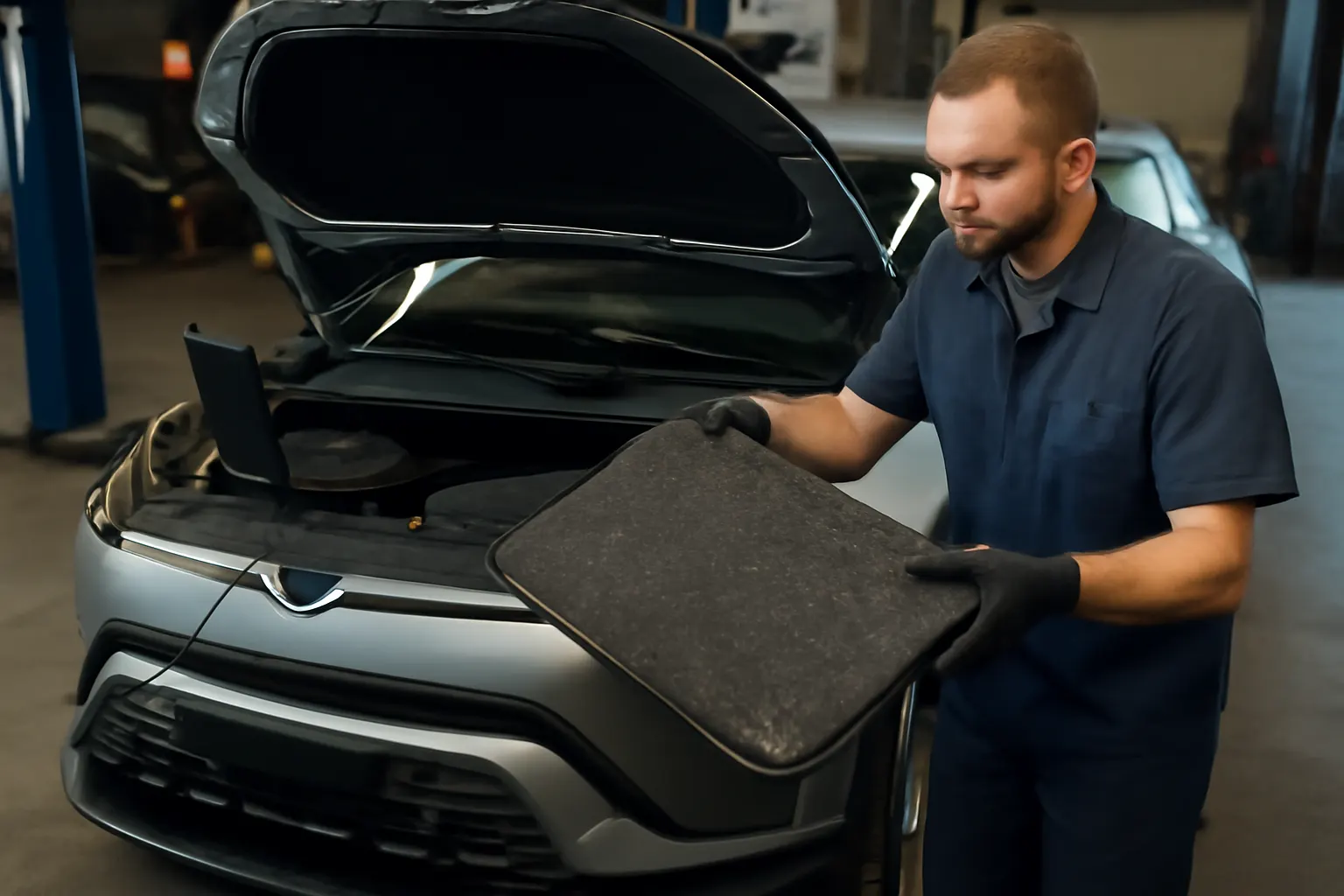
Diagnosing issues in Fisker electric vehicles (EVs) demands a new mindset compared to traditional automotive troubleshooting. With unique powertrains, advanced software, and specialized components, Fisker owners and technicians face a distinct set of diagnostic patterns, software quirks, and real-world challenges. This guide delivers practical, step-by-step insights for identifying and resolving the most common EV-specific issues in Fisker vehicles, backed by current standards and real-world case studies.
If you’re seeking Fisker parts for diagnostics or repair, start with our Fisker OEM & Aftermarket Parts: Fitment, Compatibility, and Sourcing | AutoPartEx resource to ensure you have the right equipment for the job.
The Immediate Answer: What Makes Fisker EV Diagnostics Unique?
Fisker electric vehicles integrate high-voltage battery systems, advanced driver assistance features, and software-dependent controls, which together create a diagnostic landscape unlike that of internal combustion engine (ICE) vehicles. The most common EV-specific issues in Fiskers include:
- Battery management system (BMS) faults
- Software glitches affecting driveability or charging
- Thermal management irregularities
- High-voltage safety interlock errors
- Regenerative braking inconsistencies
Unlike ICE vehicles, where mechanical symptoms often point to specific issues, Fisker EVs rely on complex electronic signals and software logs. This means that effective diagnosis often starts with digital scanning tools and a deep understanding of Fisker’s proprietary systems.
The Hidden Problem: Why Conventional Diagnostics Fall Short
Many owners and even seasoned technicians underestimate the complexity of Fisker EVs. Relying on traditional OBD-II scanners or ICE-centric troubleshooting can lead to misdiagnosis, unnecessary part swaps, or even safety hazards. The core hidden problem is that Fisker’s EV architecture uses:
- CAN bus networks with encrypted communication
- OEM-specific error codes not found in generic databases
- Integrated safety systems that can disable major subsystems if faults are detected
Without the correct diagnostic approach, you risk missing software-layer bugs, misinterpreting system alerts, or overlooking subtle BMS warning signs that precede major failures.
Understanding the Technical Landscape: How Fisker EVs Differ
High-Voltage Systems and Safety Protocols
Fisker vehicles use high-capacity lithium-ion battery packs operating at voltages that can exceed 400V. These systems are protected by multiple layers of hardware and software, including:
- High-voltage interlock loops (HVIL)
- Insulation monitoring devices
- Automatic contactor relays
Any interruption or anomaly in these safety layers triggers faults that may immobilize the vehicle or restrict charging. According to the National Highway Traffic Safety Administration (NHTSA), EV safety standards require robust isolation and fault detection, making accurate diagnostics critical for both performance and safety.
Software-Centric Control Architecture
Fisker’s vehicle management relies heavily on software, with over-the-air (OTA) updates, cloud connectivity, and multiple electronic control units (ECUs) managing everything from power delivery to infotainment. Diagnostic routines must account for:
- Firmware version compatibility
- ECU synchronization
- OTA update integrity
Software bugs can manifest as intermittent driveability issues, false alerts, or charging errors that may not leave clear physical traces.
Regenerative Braking and Drive-by-Wire
Regenerative braking systems in Fisker EVs use electric motors to recover kinetic energy, blending seamlessly with traditional hydraulic braking. Malfunctions here can cause inconsistent pedal feel, reduced efficiency, or warning lights. Diagnosing these requires understanding both the electrical and mechanical aspects of the system.
Common Fisker EV Diagnostic Patterns
1. Battery Management System (BMS) Faults
The BMS monitors cell voltage, temperature, and overall battery health. Common symptoms of BMS issues include:
- Warning lights for battery or powertrain
- Reduced driving range
- Sudden loss of power or “limp mode”
- Charging refusal or slow charging rates
BMS faults often require specialized diagnostic tools capable of reading Fisker-specific error codes and cell-level data.
2. Software and Firmware Glitches
Fisker’s reliance on software means that glitches can impact everything from charging to HVAC operation. Look for:
- Infotainment reboots or freezes
- Delayed response from drive selector or throttle
- Inconsistent display of vehicle status or range
- Charging session interruptions
Advertisement
These issues may be resolved by software updates, but persistent cases require deeper log analysis.
3. Thermal Management System Alerts
EV batteries and motors require precise temperature regulation. Symptoms of thermal management faults include:
- Overheating warnings
- Reduced charging or power output in hot/cold conditions
- Unusual fan or coolant pump activity
- HVAC system underperformance
Thermal system diagnostics often involve checking coolant flow, sensor readings, and actuator operation.
4. High-Voltage Safety Interlock Errors
If the HVIL detects an open circuit—due to a loose connector, failed relay, or even corrosion—it will disable high-voltage systems. Watch for:
- Complete loss of drive
- “Service High Voltage System” messages
- Charging lockout
Physical inspection and continuity testing are essential here.
5. Regenerative Braking Anomalies
Inconsistent or weak regenerative braking may be caused by:
- Faulty brake pedal sensors
- Software calibration errors
- Inverter or motor control faults
A full scan of the brake and traction control modules is necessary to pinpoint the cause.
Case Study: Diagnosing a Fisker Ocean with Charging Issues
Scenario: A 2024 Fisker Ocean owner reports that their vehicle intermittently refuses to charge, especially at public DC fast chargers.
Step-by-Step Diagnostic Process:
- Initial Scan: Connect a Fisker-compatible diagnostic tool and check for stored DTCs (Diagnostic Trouble Codes). Codes related to BMS communication and charging protocol handshake are found.
- Software Version Check: Verify the firmware versions for the BMS and charging ECU. A mismatch is detected—BMS is on an older version.
- Physical Inspection: Inspect the charge port for debris or corrosion. None found.
- Thermal Check: Use live data to monitor battery and charge port temperatures during a charging attempt. No overheating detected.
- Resolution: Update BMS firmware to latest OTA release, clear codes, and retest. Charging resumes normally.
Lesson: Software version mismatches are a frequent source of charging problems in Fisker EVs. Always check for pending updates and ensure all ECUs are synchronized.
Essential Diagnostic Tools for Fisker EVs
Effective troubleshooting of Fisker vehicles requires more than a basic OBD-II scanner. The following tools are recommended:
- OEM-level scan tool: Must support Fisker-specific protocols and encrypted CAN communication.
- High-voltage multimeter: For safely checking HV circuits and insulation resistance.
- Thermal imaging camera: Useful for identifying hotspots in battery or inverter systems.
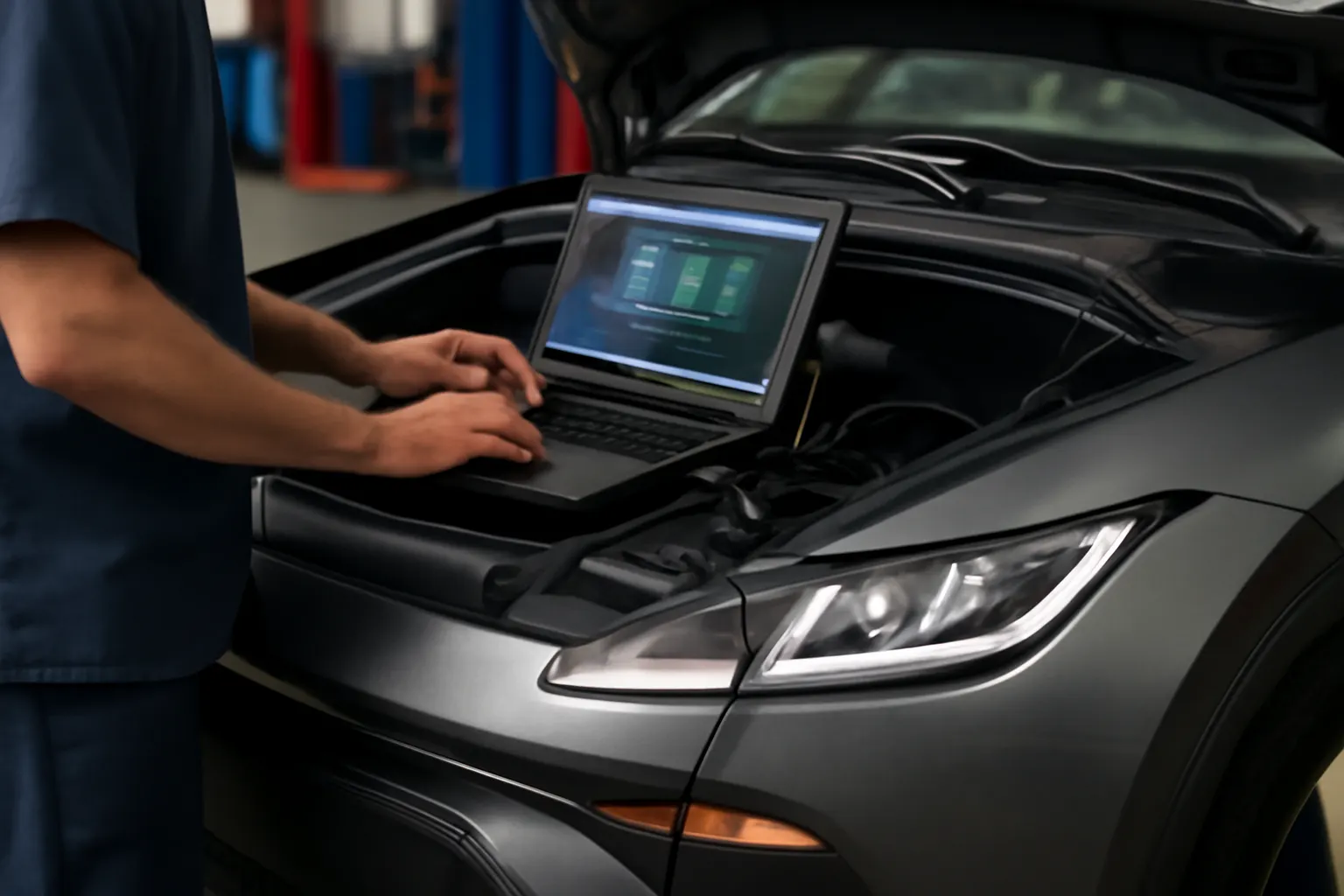
- Service laptop with manufacturer software: For log retrieval, firmware updates, and advanced diagnostics.
Always follow high-voltage safety procedures as outlined by NHTSA and Fisker’s own service documentation.
Checklist: Fisker EV Diagnostic Workflow
Use this checklist to streamline your diagnostic process and avoid common pitfalls:
Fisker EV Diagnostic Checklist
| Step | Action Item | Tools Required |
|---|---|---|
| 1. Safety Preparation | Disconnect 12V and secure HV system | Insulated gloves, HV tester |
| 2. Visual Inspection | Check connectors, fuses, and harnesses | Flashlight, inspection mirror |
| 3. Digital Scan | Retrieve DTCs with Fisker-compatible scan tool | OEM scan tool |
| 4. Software Status | Verify firmware/OTA update status | Service laptop |
| 5. Data Analysis | Review live data: voltage, temp, SOC, HVIL status | Scan tool, laptop |
| 6. Physical Testing | Test continuity, insulation resistance, and sensors | Multimeter, HV tester |
| 7. Functional Test | Reproduce symptoms, monitor systems under load | Scan tool, test drive |
| 8. Resolution & Documentation | Apply fixes, clear codes, document findings | Service laptop, log sheet |
Advanced Troubleshooting: Software and CAN Bus Analysis
Deep Dive into CAN Bus Diagnostics
Fisker’s networked ECUs communicate over multiple CAN buses, often with proprietary encryption. Advanced faults may require:
- CAN bus monitoring tools to capture and analyze traffic
- Message decoding using Fisker’s service documentation
- Identification of intermittent dropouts or bus errors
A common scenario is a malfunctioning ECU flooding the bus with error frames, causing cascading faults in unrelated systems.
Log Analysis and Remote Diagnostics
Fisker’s connected architecture allows for remote log retrieval and analysis. When local tools are insufficient:
Advertisement
- Use Fisker’s cloud portal to request log uploads
- Analyze logs for recurring error patterns or timestamped events
- Coordinate with Fisker technical support for firmware patches
This approach is especially useful for elusive, intermittent issues.
Sourcing Genuine and Compatible Fisker EV Parts
When diagnostics reveal a faulty component, sourcing the correct replacement is critical. Due to Fisker’s unique parts ecosystem:
- Always use VIN-based part lookup to ensure compatibility, especially for BMS, inverters, and charging modules.
- Verify part authenticity using guidelines from our Authenticity Checks for Rare EV Parts.
- Consult OE and high-quality aftermarket sources listed on our Fisker OEM & Aftermarket Parts: Fitment, Compatibility, and Sourcing | AutoPartEx page.
Fisker’s use of lightweight, advanced materials (see Sustainable Materials in Modern EVs) means that structural and body parts may require specific installation procedures for safety and performance.
Maintenance Insights: Preventing Recurring EV Issues
Preventive maintenance is just as important for Fisker EVs as for any vehicle—though the focus shifts from fluids and belts to software and electronics. Key best practices include:
- Regularly updating all vehicle software and firmware
- Monitoring battery health reports and acting on early warnings
- Inspecting high-voltage connectors for corrosion or wear
- Ensuring thermal management systems are debris-free and functional
Consult our Fisker Maintenance & Service Guide for a full breakdown of recommended service intervals and procedures.
Real-World Problem Expansion: Software Quirks and User-Reported Issues
Fisker owners have reported a range of software-driven quirks, many of which are unique to the EV platform:
- Phantom battery drain due to background processes or telematics modules failing to sleep properly.
- False positive alerts for high-voltage isolation, often triggered by sensor calibration drift or firmware bugs.
- Unresponsive infotainment or climate controls after OTA updates, sometimes requiring a full system reset.
In these cases, a combination of user feedback, log analysis, and collaboration with Fisker technical support is often required. Owners should document symptoms, including time, conditions, and any recent updates or service events.
Safety Considerations: High-Voltage Protocols and Equipment
Diagnosing Fisker EVs requires strict adherence to high-voltage safety protocols:
- Always disconnect the 12V system before HV work.
- Use PPE (personal protective equipment) rated for EV service.
- Never attempt HV diagnostics without proper training.
The NHTSA’s equipment guidelines emphasize the importance of using certified tools and following manufacturer protocols to avoid injury and prevent vehicle damage.
When to Seek Professional Help: Recognizing Your Limits
Some Fisker EV issues—particularly those involving battery pack internals, inverter faults, or encrypted ECUs—are best handled by certified professionals. Warning signs you should not ignore:
- Persistent high-voltage system errors
- Repeated software update failures
- Physical damage to battery or HV wiring
In these cases, contact a Fisker-certified service center or a technician with advanced EV credentials. Attempting DIY repairs on high-voltage systems without proper equipment and training can be dangerous.
AutoPartEx Positioning: Your Partner in Fisker EV Diagnostics
At AutoPartEx, we specialize in supporting Fisker owners, independent shops, and dealers with the latest diagnostic tools, OEM and high-quality aftermarket parts, and up-to-date fitment data. Our resources—including the Fisker OEM & Aftermarket Parts: Fitment, Compatibility, and Sourcing | AutoPartEx hub—are designed to streamline the repair and maintenance process for the unique challenges of Fisker EVs.
Whether you’re troubleshooting a BMS fault, sourcing a rare inverter, or verifying part authenticity, our expert team and comprehensive guides ensure you have the information and parts you need.
Expert Action: Steps to Take Next
- Document symptoms and error codes as soon as an issue appears.
- Use Fisker-compatible diagnostic tools to retrieve detailed system data.
- Check for software/firmware updates before replacing hardware.
- Consult the AutoPartEx fitment database for verified part numbers and compatibility.
- Follow high-voltage safety protocols for all diagnostic and repair work.
- Engage with Fisker-certified professionals for complex or high-voltage faults.
For ongoing support, bookmark our Fisker Maintenance & Service Guide and subscribe to AutoPartEx updates for the latest in Fisker EV diagnostics, maintenance, and parts sourcing.
References
Advertisement